Computer Diagnostic / Fault Finding
$79
Initial testing to identify the reported fault. May include boot checks, memory testing, drive health checks, temperature checks, software checks and hardware fault isolation.
Call Now

Need a computer fixed without vague labour charges or confusing repair estimates? CAA Computers is a local computer repair shop in Sydney, based at 4/328 Kingsgrove Road, Kingsgrove NSW 2208, serving customers from Kingsgrove, Bankstown and surrounding Sydney suburbs.
We provide desktop computer repair, laptop repair, diagnostics, operating system installation, hardware replacement, upgrades, cleaning, data services and full PC rebuilds. Our pricing is published below so you can understand the labour cost before work begins.
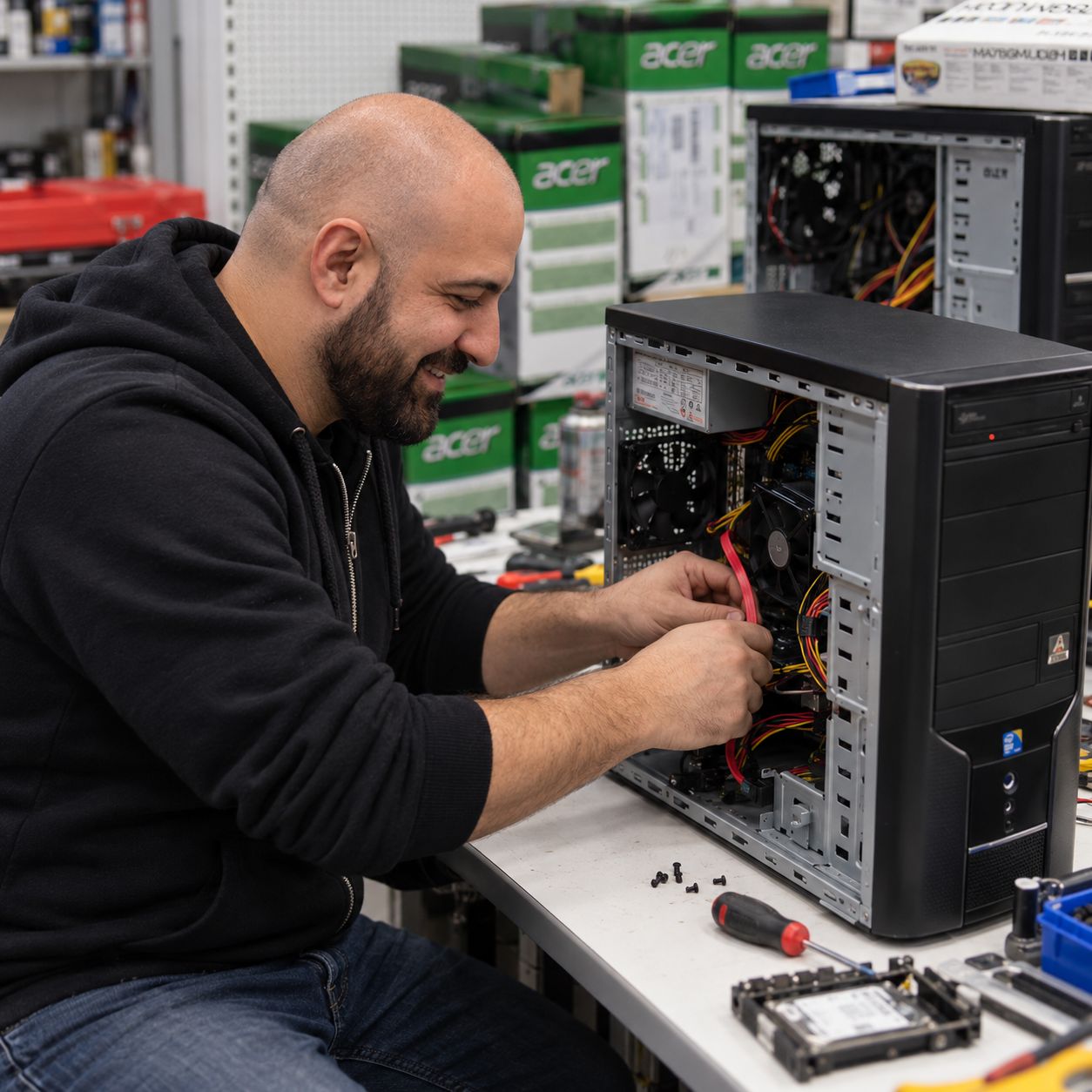
Our computer repair shop Sydney pricing is designed to make the repair process easy to understand. Parts are not included unless specifically stated. If your computer has an unknown fault, diagnostic testing is performed first. Once the problem is identified, we explain the required repair and applicable labour charge before continuing.
Initial testing to identify the reported fault. May include boot checks, memory testing, drive health checks, temperature checks, software checks and hardware fault isolation.
Call NowFor straightforward repair work such as RAM faults, SSD or hard-drive replacement, graphics-card replacement, cabling problems, Windows faults, basic BIOS fixes and similar repairs without major system disassembly.
Call NowFor repairs involving major internal components or substantial disassembly, including power-supply replacement, motherboard replacement, CPU replacement and comparable hardware repairs.
Call NowInstallation of one component only when the required part is already known. Includes removal of the old part where required, installation, basic cable management, configuration and basic testing.
Call NowFor a multi-part upgrade where several components are being installed but the computer does not require a complete strip-down. Examples include GPU + PSU, RAM + SSD, or several storage and cooling upgrades.
Call NowFor case transfers, platform changes or jobs requiring most of the system to be disassembled and rebuilt. Includes component installation, cable management, basic BIOS configuration, boot testing and basic stability testing.
Call NowTesting of one individual component such as a graphics card, RAM kit, storage drive, power supply or other removable hardware item.
Call NowFresh Windows or Linux installation, available device drivers, operating-system updates and basic setup. Windows licence is not included if a new licence is required.
Call NowBIOS update and basic configuration where supported, including boot settings and appropriate memory-profile configuration.
Call NowInternal dust removal, fan and filter cleaning, case clean and basic visual inspection. Does not include major disassembly or a full rebuild.
Call NowCPU cooler removal where appropriate, cleaning, fresh thermal compound, cooler reinstallation and basic temperature testing.
Call NowFor heavily dust-affected systems requiring more extensive cleaning and partial disassembly. This is a cleaning service, not a hardware case-transfer or full PC rebuild.
Call NowRemoval of common malware and unwanted software, followed by basic checks and cleanup. Severe infections or damaged operating systems may require an OS reinstall.
Call NowTransfer of accessible customer files from an existing readable drive to a replacement or destination drive. Replacement storage is additional.
Call NowAttempted clone of an accessible source drive to another drive so the existing operating system, applications and files can be retained where the source drive is healthy enough to clone.
Call NowBackup of accessible customer files before repair work begins. This service does not include recovery of files that cannot be read normally from a damaged or failing drive.
Call NowRemoval of unnecessary startup software, basic Windows cleanup, update checks and performance review for systems that are operating but have become slow or cluttered.
Call NowLabour for a straightforward compatible laptop RAM, SSD or battery installation. Parts are additional. Complex or unusually difficult disassembly may require a different repair level.
Call NowLabour for supported laptop screen or keyboard replacement where the correct replacement part is available. Replacement parts are additional.
Call NowFor hard drives with slow reads, freezing, read errors or unstable sectors. We attempt to recover readable data and assess the drive condition. Physical bad sectors cannot be permanently repaired.
Priority assessment and workshop queue placement where technician availability allows. Parts availability can still affect completion time.
Call NowIf your computer is still worth keeping, CAA Computers can upgrade the parts that matter most. We install and test individual components, handle multi-part upgrades, and complete full rebuilds when the job requires major disassembly, a case transfer or a platform change.
Common upgrade jobs include graphics cards, power supplies, RAM, SSDs, CPU coolers, processors, motherboards and combinations of multiple components. If you are unsure which labour category applies, call us and we can point you to the right option before you bring the computer in.
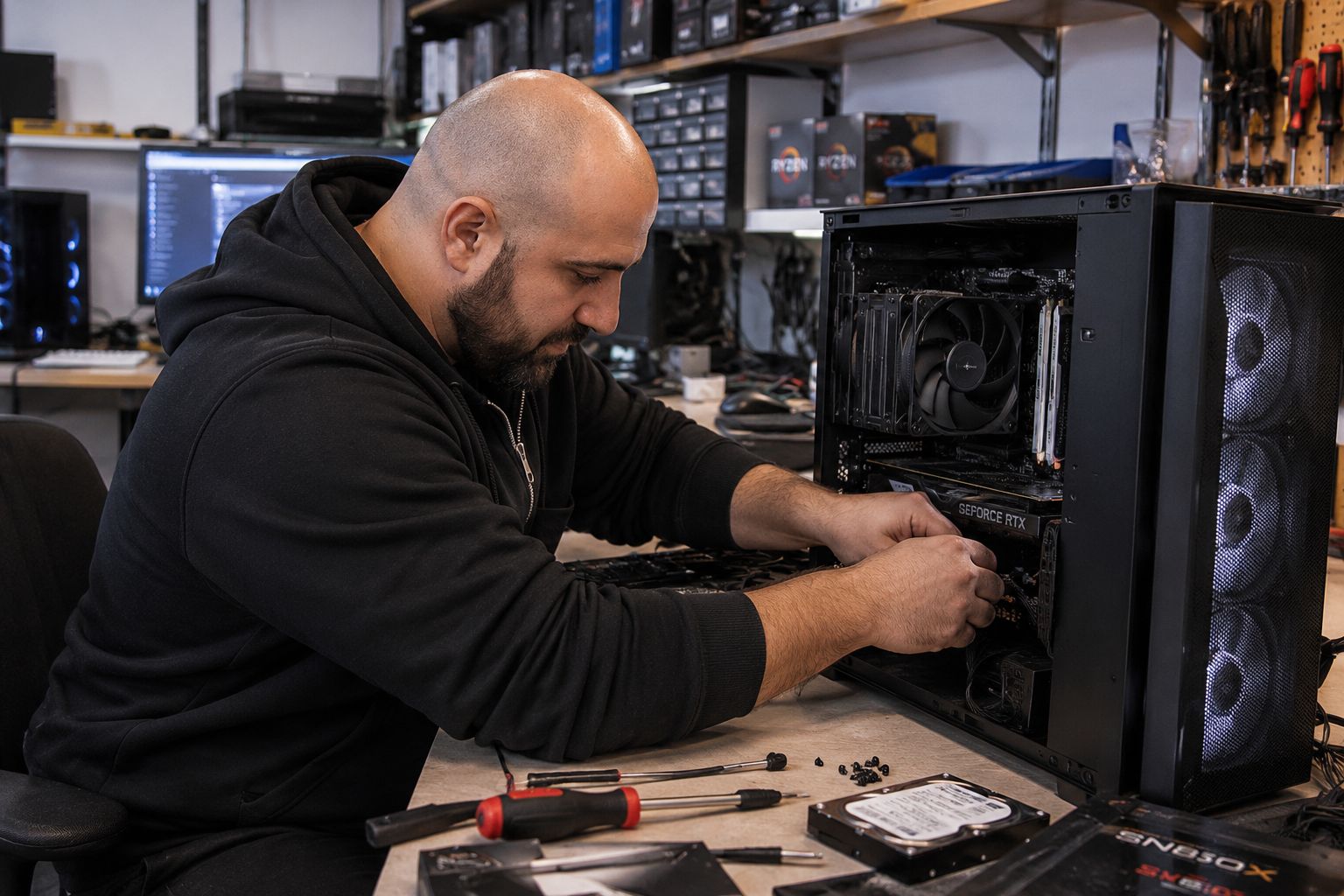
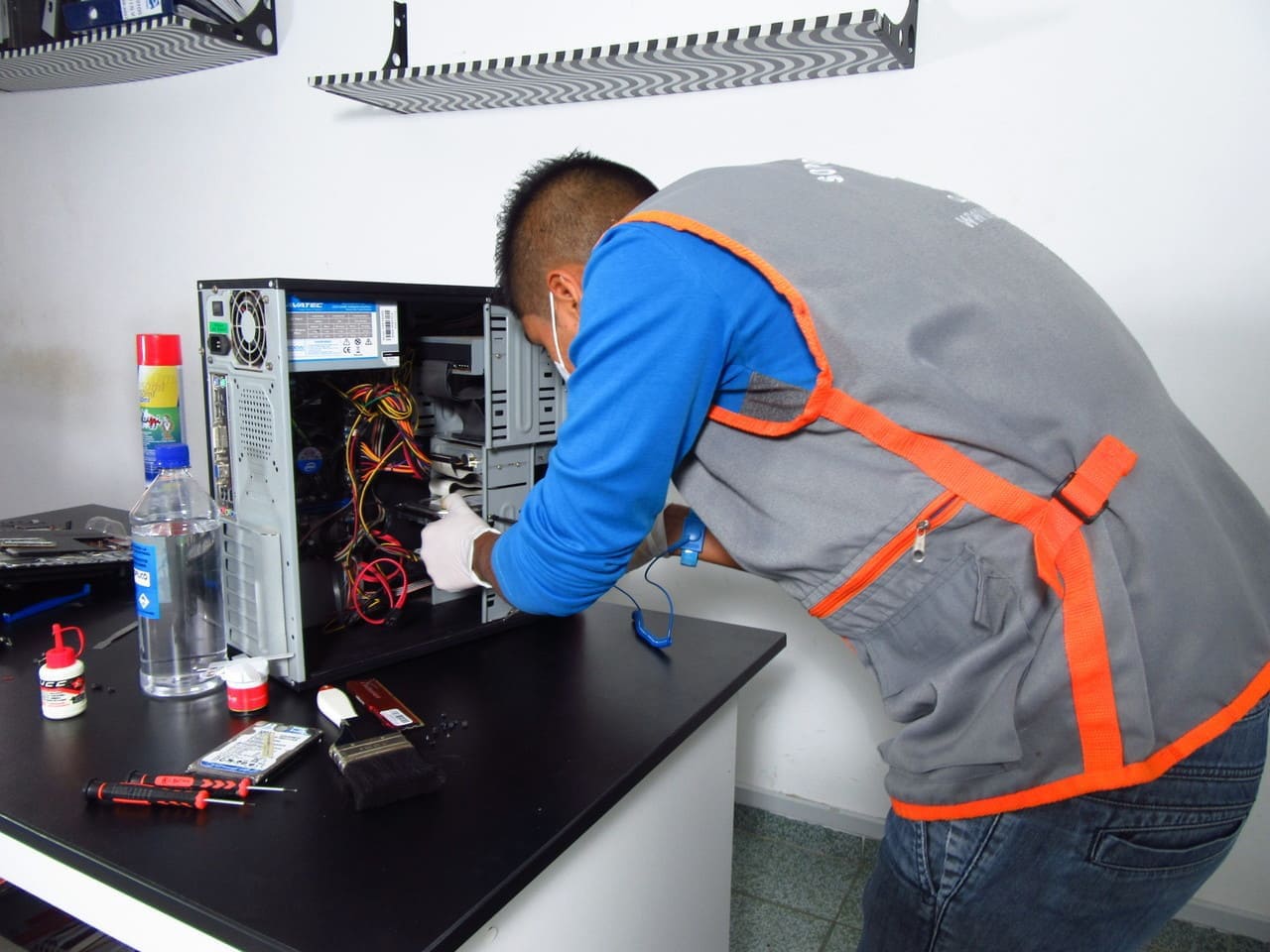
Tell us what the computer is doing. If the fault is unknown, book the $79 diagnostic. We will identify the likely cause and explain the next repair category before additional labour or parts are approved.
This page is the main CAA Computers repair-shop hub. For specialist repair or upgrade information, use the dedicated service pages below. This keeps our computer repair shop Sydney service easy to navigate while giving customers detailed information for the exact job they need.
Power faults, no-boot problems, Windows issues, storage failures, overheating and desktop hardware faults.
Desktop Computer Repair →Common laptop hardware problems, storage upgrades, batteries, screens, keyboards, Windows faults and general troubleshooting.
Laptop Repair Sydney →Specialist diagnostics for gaming desktops, custom PCs, cooling faults, instability, boot problems and high-performance hardware.
Gaming PC Repair →On-site assistance for suitable jobs where bringing the system to our Kingsgrove computer repair shop is not practical.
Mobile Computer Repair →Upgrade an existing PC with compatible storage, memory, graphics, cooling, CPU or motherboard hardware.
Computer Upgrades →Increase storage capacity, replace aging drives or move from slower storage to a compatible SSD or NVMe drive.
SSD Upgrade →Compatible desktop RAM upgrades for multitasking, productivity, creative work and systems running short of memory.
RAM Upgrade →Platform upgrades where a processor, motherboard or related components need to be changed together.
CPU & Motherboard Upgrade →Graphics-card upgrade advice, compatibility checks, power-supply considerations and professional installation.
GPU Upgrade →Customers looking for a computer repair shop Sydney service usually want three things: someone local, a clear price and an explanation of what is actually wrong. Our process is designed around those expectations.
Tell us what the computer is doing, when the problem started and any changes made before the fault appeared.
If the cause is unknown, the $79 diagnostic service is used to identify the fault and likely repair path.
We explain whether the job falls under Level 1, Level 2, a single-component installation, upgrade, rebuild or another fixed-price service.
If replacement hardware is needed, the component price is provided before installation. We do not hide replacement parts inside vague labour estimates.
After the approved work is completed, the system is booted and basic functionality is checked before collection.
CAA Computers provides computer repair Kingsgrove services from our local workshop and regularly helps customers travelling from Bankstown and surrounding suburbs. If you are searching for computer repair Bankstown but prefer dealing directly with a local PC builder and repair workshop, Kingsgrove is a practical nearby option.
Our repair services cover home computers, office PCs, laptops, custom-built desktops, workstations and gaming systems. Customers can also use our specialist repair and upgrade pages when they need a service beyond general fault finding.
No power can be caused by a power supply, motherboard, cabling, front-panel connection or another failed component. Diagnosis identifies the fault before parts are replaced.
Boot problems can involve Windows, storage drives, BIOS configuration, corrupted system files or failing hardware. We separate software faults from hardware faults before recommending a repair.
Repeated BSOD errors, freezes and random restarts can come from drivers, memory, storage, temperatures, power or other hardware instability.
A slow PC may need software cleanup, more memory, a healthier drive, an SSD upgrade or another targeted fix. We avoid replacing parts without a reason.
Dust, aging thermal compound, failed fans, poor airflow or a cooling-system fault can cause throttling and shutdowns. Cleaning and cooling services are priced separately above.
Failing hard drives can freeze while the operating system repeatedly tries to read unstable sectors. Data recovery attempts are handled separately from standard backup and cloning services.
Choosing a computer repair shop Sydney customers can visit in person is useful when a desktop or laptop has a problem that cannot be solved remotely. Hardware faults often require physical testing, known-good replacement parts, access to the inside of the system and time under test. CAA Computers operates from Kingsgrove and provides a workshop option for customers who want direct local support instead of dealing with a call centre or courier-only repair process.
Our approach to computer repair Sydney is based around identifying the problem first and then matching the work to a clearly defined service. That matters because a Windows problem is different from a failed power supply, and installing one known component is different from stripping an entire computer down and rebuilding it. By separating diagnostics, repair levels, upgrades and rebuild work, customers can see why different jobs carry different labour charges.
Customers searching for computer repair Kingsgrove can bring desktops, laptops and custom-built systems directly to CAA Computers at 4/328 Kingsgrove Road. Local workshop repair is suited to power faults, boot problems, failing storage drives, overheating, operating-system problems, hardware replacement, upgrades and general PC troubleshooting.
CAA Computers also serves people looking for computer repair Bankstown and surrounding Canterbury-Bankstown areas. Our Kingsgrove workshop is positioned close enough for many Bankstown customers who want an in-person computer repair store rather than purely remote support. Customers regularly need help with desktops that will not power on, laptops with storage or Windows problems, office PCs that have become unreliable and custom systems that require hardware testing.
Not every slow or unreliable computer needs to be replaced. Sometimes an existing system can remain useful with an SSD, additional memory, a new graphics card, improved cooling or a platform upgrade. Our computer upgrades hub connects to dedicated pages for SSD upgrades, RAM upgrades, GPU upgrades and CPU and motherboard upgrades.
A hard drive with unstable or physically damaged sectors can become extremely slow because the drive and operating system repeatedly attempt to read areas that are no longer reliable. Our hard-drive recovery attempt is designed for situations where the drive is still detectable but has read errors, freezing or unstable sectors. We attempt to recover readable information and assess the drive condition before recommending the next step.
Physical bad sectors cannot be repaired back into healthy magnetic media. Depending on the drive and condition, unusable sectors may be remapped or excluded from normal use, but a drive developing physical bad sectors should not be trusted for important ongoing storage. Where deterioration is continuing, replacing the drive is the safer recommendation. Data recovery is never guaranteed, particularly if a drive has mechanical or severe physical damage.
A repair page should make it easy to act, not force you to guess what service you need. If the machine has an unknown fault, start with diagnostics. If you already know what needs replacing, tell us the part and we can point you to the correct fixed labour category.
CAA Computers works on everyday desktops, work PCs, laptops and custom systems. For specialist gaming repair, laptop repair or component upgrades, use the dedicated service links on this page.
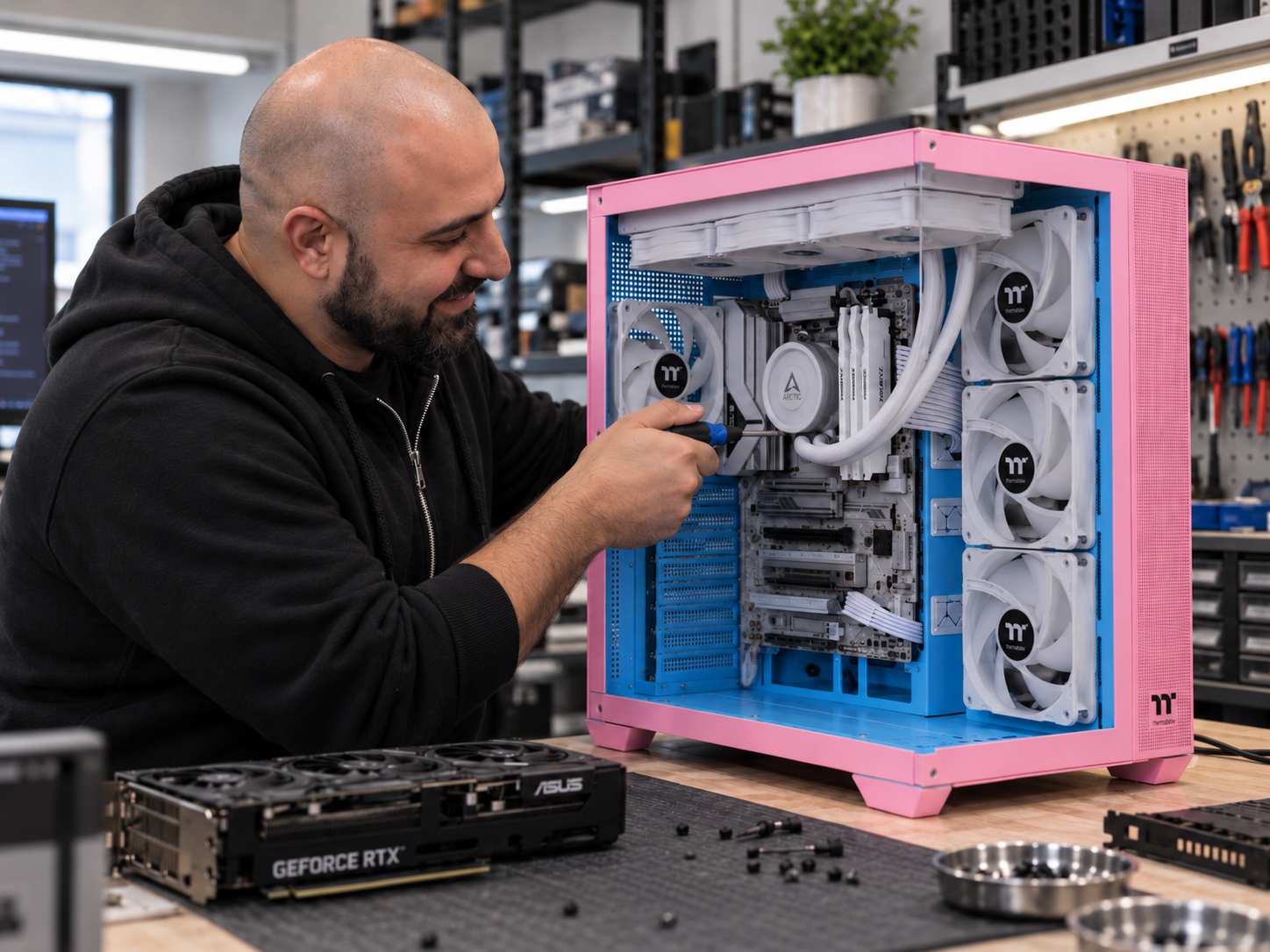
Diagnostic / fault finding is $79. Level 1 repair labour is $100 plus parts where required, and Level 2 repair labour is $179 plus parts. Single-component installation is $150, a multiple-component PC upgrade is $200 and a full PC rebuild is $250. Other fixed-price services are listed on this page.
Level 1 covers straightforward repairs such as RAM faults, storage replacement, graphics-card replacement, cabling, Windows faults and basic BIOS work. Level 2 is for major internal component repairs or substantial disassembly, including PSU, motherboard and CPU replacement.
No. The $79 diagnostic / fault-finding service is used when the fault is unknown and is separate from the repair labour. After the fault is identified, we explain the required repair category and any replacement parts before proceeding.
No. Published repair prices are labour prices unless specifically stated otherwise. Replacement hardware is quoted separately before installation.
The $150 single-component installation and testing service covers one known hardware component only. If multiple components are being installed, the $200 PC upgrade service or $250 full rebuild service may apply depending on the amount of disassembly required.
Yes. The $159 OS installation service covers Windows or Linux installation, available device drivers, system updates and basic setup. A Windows licence is additional if a new licence is required.
Physical bad sectors cannot be restored to healthy drive media. We can attempt to recover readable data and, where supported, unusable sectors may be remapped or excluded from normal use. If a drive is physically deteriorating, replacement is recommended.
CAA Computers is based in Kingsgrove and serves customers travelling from Bankstown and surrounding Sydney suburbs. Customers looking for computer repair Bankstown can bring their system to our Kingsgrove workshop at 4/328 Kingsgrove Road.
CAA Computers is located at 4/328 Kingsgrove Road, Kingsgrove NSW 2208. Call 0459 681 726 before visiting if you would like to discuss the fault or book a repair.
Bring your desktop, laptop or custom PC to CAA Computers for clear repair pricing, local workshop support and straightforward advice before additional work is carried out.