

CPU & Motherboard Upgrade Sydney
Move to a stronger platform without replacing the entire PC.
CAA Computers upgrades processors, motherboards and complete desktop platforms for gaming PCs, work PCs and workstations. We check socket support, chipset, BIOS, DDR generation, cooling, power supply, case compatibility and whether the rest of the system is worth carrying forward.
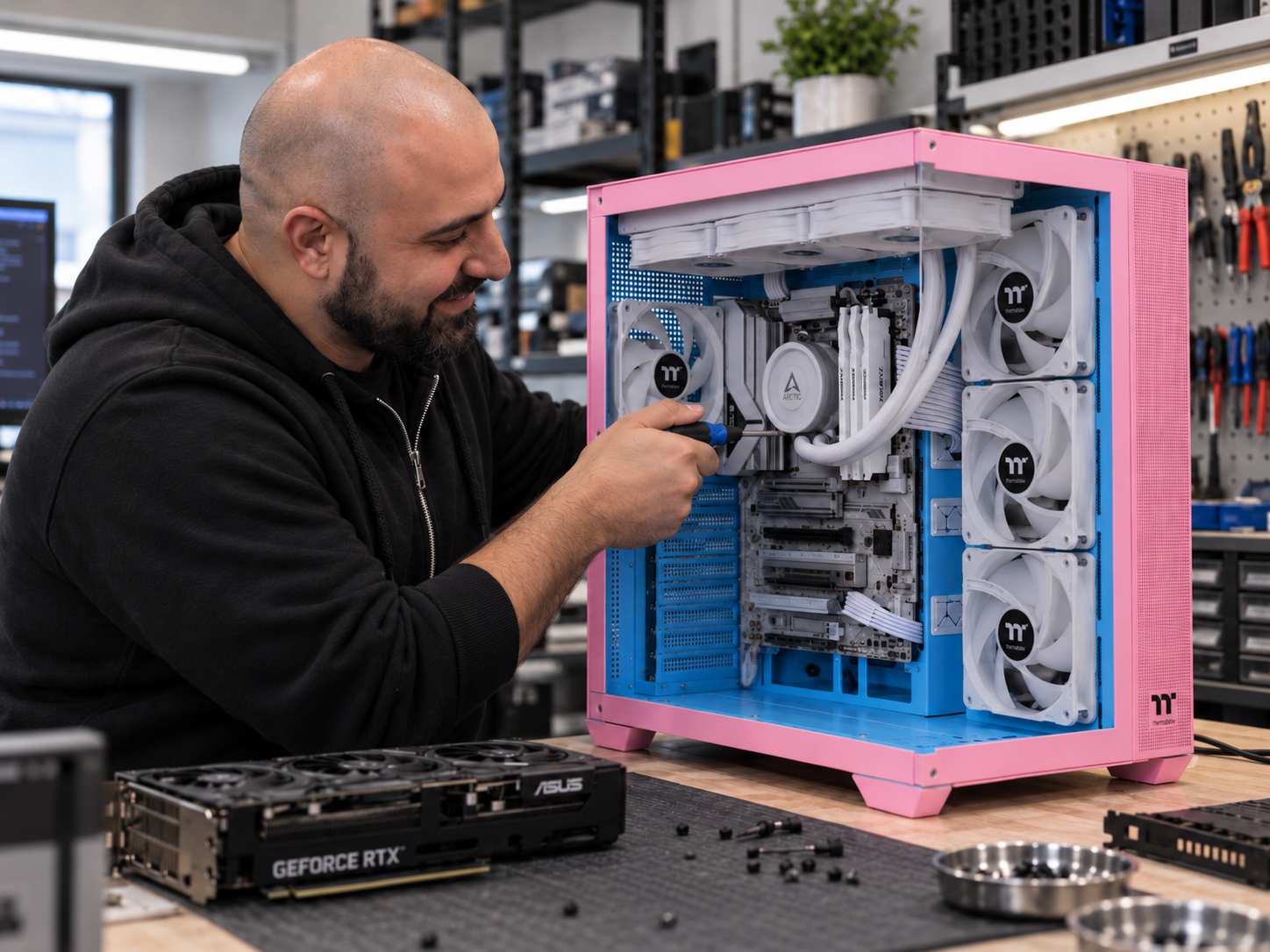
Clear platform upgrade and maintenance options.
Single Component Installation & Testing
For one known compatible CPU or motherboard-related component when diagnosis is not required and the job does not become a major rebuild.
- One component installed
- Basic configuration
- Basic testing
- Parts extra
CPU + Supporting Hardware Upgrade
For several compatible upgrades where the system does not need a full strip-down.
- CPU + cooler
- CPU + RAM
- Motherboard + supporting parts
- Multi-part upgrade work
Full System Rebuild / Platform Upgrade
For major CPU and motherboard platform changes, case transfers or jobs requiring substantial reassembly.
- CPU + motherboard platform change
- DDR4 to DDR5 platform changes
- Case transfers
- Reassembly and basic testing
Basic Internal PC Clean
Internal dust removal, fan and filter cleaning, case clean and basic visual inspection.
- Useful before a platform upgrade
- Can help airflow and noise
- Does not create extra CPU performance
CPU Cooler Service & Thermal Paste
CPU cooler service with cleaning, fresh thermal compound and basic temperature testing.
- For aging thermal paste
- For high CPU temperatures
- Useful when the PC previously ran well
Deep Clean & Strip-Down Service
For heavily dust-affected desktop systems requiring more extensive cleaning and partial disassembly.
- Fans, filters and heatsinks cleaned
- Partial strip-down where required
- Separate from a $250 full rebuild
System Tune-Up & Software Cleanup
For systems that still work but feel slow because of startup software, clutter or Windows issues rather than CPU performance alone.
- Startup software review
- Basic Windows cleanup
- Update checks
- Performance review
Complete Windows / Linux Reinstall
Fresh operating-system installation with available drivers, updates and basic setup where a clean start makes more sense after a platform change.
- Windows 11 or supported Linux
- Available drivers
- System updates
- Windows licence not included if required
Maintenance vs CPU Upgrade
If the PC used to perform properly and has gradually become hotter or slower, cleaning, thermal service or software maintenance may be worth considering before replacing the processor.
- Maintenance can restore lost performance
- CPU upgrades increase processing capability
- Cleaning does not magically make an old CPU faster
- We can help identify which path makes sense
Upgrade the platform when the processor is the bottleneck.
High-FPS Gaming
Older CPUs can limit competitive gaming, simulation titles and minimum frame rates even with a strong graphics card.
Video Editing
Newer processors with stronger single-core and multi-core performance can improve editing, encoding and export workloads.
CAD & Engineering
Architecture, CAD, engineering and simulation software can benefit from stronger CPU performance and newer platform features.
Content Creation
Photography, rendering, production and creator workflows can benefit from more cores, faster cores and improved memory support.
Newer Platform Features
A motherboard upgrade can provide newer USB, storage, PCIe, networking and memory support.
Upgrade Path
Moving to a newer platform can make future CPU, RAM and storage upgrades easier than investing further in an obsolete socket.
A platform upgrade changes more than just the processor.
The processor must physically and electrically match the motherboard socket.
A compatible socket does not guarantee support; the chipset and BIOS version also matter.
A platform change can require different DDR4 or DDR5 memory.
Mounting hardware, cooling capacity and case clearance must suit the new CPU.
PSU capacity, connectors and overall quality should be checked when CPU power requirements increase.
ATX, Micro-ATX, Mini-ITX and cooler/radiator clearance can affect motherboard choice.
Send us the motherboard, CPU and RAM you have now.
We can check whether your current motherboard still has a worthwhile processor upgrade available or whether moving to a newer socket makes more sense.
For gaming, tell us the graphics card, monitor resolution and target FPS. For workstations, tell us the software and workloads you use. This helps us judge whether a CPU-only upgrade is enough.
CPU-only upgrade or complete platform change.
CPU-Only Upgrade
Keep the current motherboard when it supports a worthwhile faster processor and the rest of the platform still makes sense.
CPU + Motherboard Upgrade
Move to a newer platform when the current socket or chipset has reached the end of its useful upgrade path.
AM5 Platform Upgrade
Move suitable AMD systems to a modern AM5 platform with compatible Ryzen CPU, motherboard, DDR5 memory and cooling.
Intel Platform Upgrade
Move to a suitable newer Intel motherboard and processor platform where the workload benefits from the change.
DDR4 To DDR5 Upgrade
Some motherboard changes also require new memory because DDR4 and DDR5 are not interchangeable.
CPU + Cooler Upgrade
Pair a faster processor with a stronger air cooler or AIO when thermal requirements increase.
Local desktop platform upgrades from Kingsgrove.
CAA Computers is located at 4/328 Kingsgrove Road, Kingsgrove NSW 2208 and provides CPU and motherboard upgrades for gaming PCs, desktops and workstations from Kingsgrove, Bankstown and surrounding Sydney suburbs.
Sometimes a CPU upgrade becomes a platform rebuild.
If the current board supports a worthwhile CPU, the job may stay simple. If the socket is obsolete, changing the processor can also mean a new motherboard, RAM, cooler and possibly Windows reconfiguration.
CAA Computers can compare a CPU-only upgrade against a full platform change so you know the likely cost before buying parts.
Detailed information about CPU and platform upgrades in Sydney.
The visible page stays focused on choosing and booking the right platform upgrade. These accordions carry the deeper keyword and compatibility coverage.
CPU Motherboard Upgrade Sydney – Platform Upgrade Service
Customers searching for CPU motherboard upgrade Sydney, CPU upgrade Sydney, motherboard upgrade Sydney, processor upgrade, platform upgrade, AM5 upgrade or CPU motherboard replacement are usually trying to extend the life of an existing desktop without replacing every component.
CAA Computers upgrades compatible processors and motherboards for gaming PCs, desktop computers and workstations from our Kingsgrove workshop. CPU socket, chipset, BIOS, memory generation, cooler compatibility, PSU and case layout are checked together before the upgrade path is confirmed.
CPU Upgrade Without Replacing The Motherboard
A CPU-only upgrade is possible when the current motherboard supports a faster processor through its socket, chipset and BIOS. This can be excellent value when the rest of the platform is still modern enough.
The motherboard model and current BIOS version should be checked before purchasing a replacement processor. Cooler capacity and power delivery should also be considered when moving to a higher-power CPU.
When Do I Need A New Motherboard For A CPU Upgrade?
A new motherboard is required when the replacement CPU uses a different socket, the chipset does not support the intended processor or the current board lacks a suitable upgrade path.
A motherboard change can also trigger other requirements. The new platform may use DDR5 rather than DDR4, require a different CPU cooler mounting system or introduce different BIOS and driver requirements.
AM5 Upgrade – Ryzen CPU, Motherboard And DDR5
An AM5 upgrade moves a compatible build onto AMD's newer Ryzen platform using an AM5 motherboard and DDR5 memory. Depending on the existing PC, the upgrade can involve the CPU, motherboard, RAM and cooler together.
CAA Computers checks case form factor, PSU suitability, cooler support and the rest of the hardware before recommending a complete AM5 platform change.
DDR4 To DDR5 Platform Upgrade
DDR4 and DDR5 memory are not interchangeable. If the new motherboard uses DDR5, an older DDR4 kit cannot simply be moved across.
A platform upgrade should therefore include the cost and compatibility of the required memory rather than treating the motherboard and processor as isolated parts. For dedicated memory information, visit the RAM upgrade Sydney page.
CPU Cooler And Thermal Requirements After A Processor Upgrade
A faster processor may produce more heat than the old CPU. The existing cooler should be checked for mounting compatibility and enough thermal capacity before it is reused.
CAA Computers can install compatible air coolers and AIO liquid coolers as part of a CPU or platform upgrade. Existing cooler service and thermal paste replacement is available for $110 when maintenance rather than a new cooler is the better option.
Will A CPU Upgrade Improve Gaming FPS?
A CPU upgrade can improve gaming performance when the processor is limiting the graphics card, minimum frame rates or high-refresh gameplay. CPU-heavy simulation, strategy, MMO and competitive games can benefit more than heavily GPU-bound titles.
At higher resolutions such as 4K, the graphics card is often more important. Customers chasing gaming performance should compare CPU and GPU utilisation rather than assuming the processor is always the first component to replace. See the gaming PC upgrade page for the whole-system approach.
CPU And Motherboard Upgrade Near Me – Kingsgrove Sydney
Searches such as CPU upgrade near me, motherboard upgrade near me, processor replacement Sydney and PC platform upgrade near me usually come from customers who want a local workshop that can check the actual system first.
CAA Computers operates from 4/328 Kingsgrove Road, Kingsgrove NSW 2208 and provides CPU and motherboard upgrades for customers from Kingsgrove, Bankstown, Beverly Hills, Bexley, Hurstville, Penshurst, Campsie, Revesby and surrounding Sydney suburbs.
CPU & Motherboard Upgrade FAQ
How much does a CPU and motherboard upgrade cost?
Single-component installation and testing is $150 when the job is straightforward, multi-part upgrade labour is $200, and a full system rebuild or major platform change is $250. Parts are additional.
Can I keep my current RAM?
Possibly. It depends on whether the new motherboard uses the same DDR generation and whether the existing memory is suitable.
Can I keep my current CPU cooler?
Possibly. The cooler must support the new socket and have enough thermal capacity for the replacement CPU.
Will Windows need to be reinstalled?
Not always, but a major motherboard change can make a fresh installation desirable. Complete Windows or supported Linux installation is $159 when required.
Send us your current CPU, motherboard, RAM and what you want the PC to do better.
We can help work out whether a CPU-only upgrade is enough or whether moving to a newer motherboard and platform makes more sense.