

Upgrade your graphics.
Transform your PC.
CAA Computers provides GPU upgrade and graphics card installation services for gaming PCs, workstations and desktop computers in Sydney. We check the whole system before recommending a card, then install the GPU, configure drivers and test stability.
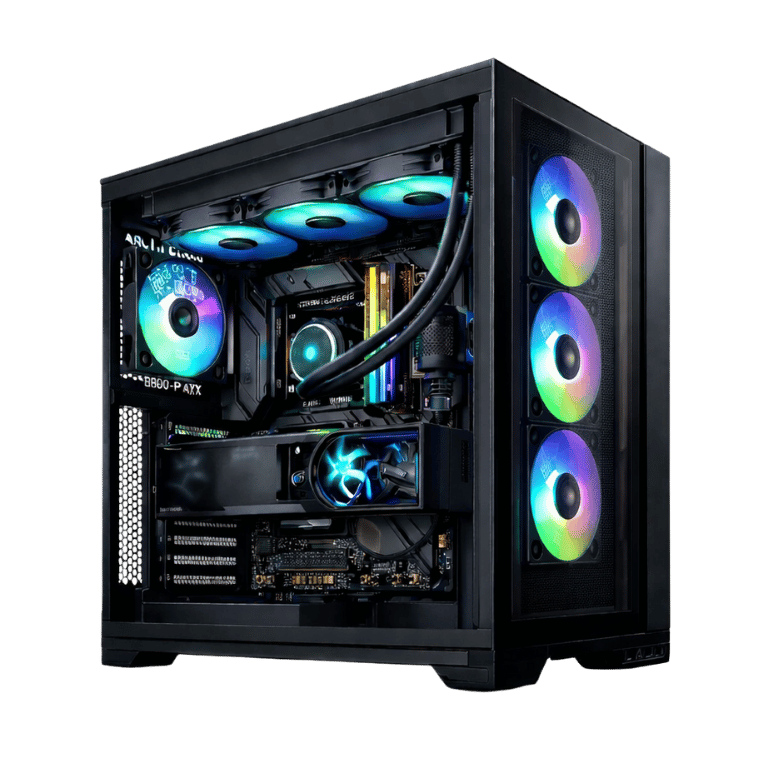
A faster GPU only works when the rest of the PC can support it.
The graphics card often has the largest effect on gaming resolution, visual settings and frame rates, but a successful GPU upgrade also depends on power, clearance, cooling and system balance.
Gaming performance upgrades
Upgrade your graphics card for smoother gameplay, higher graphics settings, better frame rates and stronger performance at 1080p, 1440p or 4K.
Creative and workstation upgrades
A GPU upgrade can improve supported video editing, 3D rendering, design, AI-assisted applications and GPU-accelerated professional workloads.
Streaming and recording
Modern GPUs can provide dedicated video encoding support for OBS, gameplay recording, Twitch, YouTube and multi-application streaming setups.
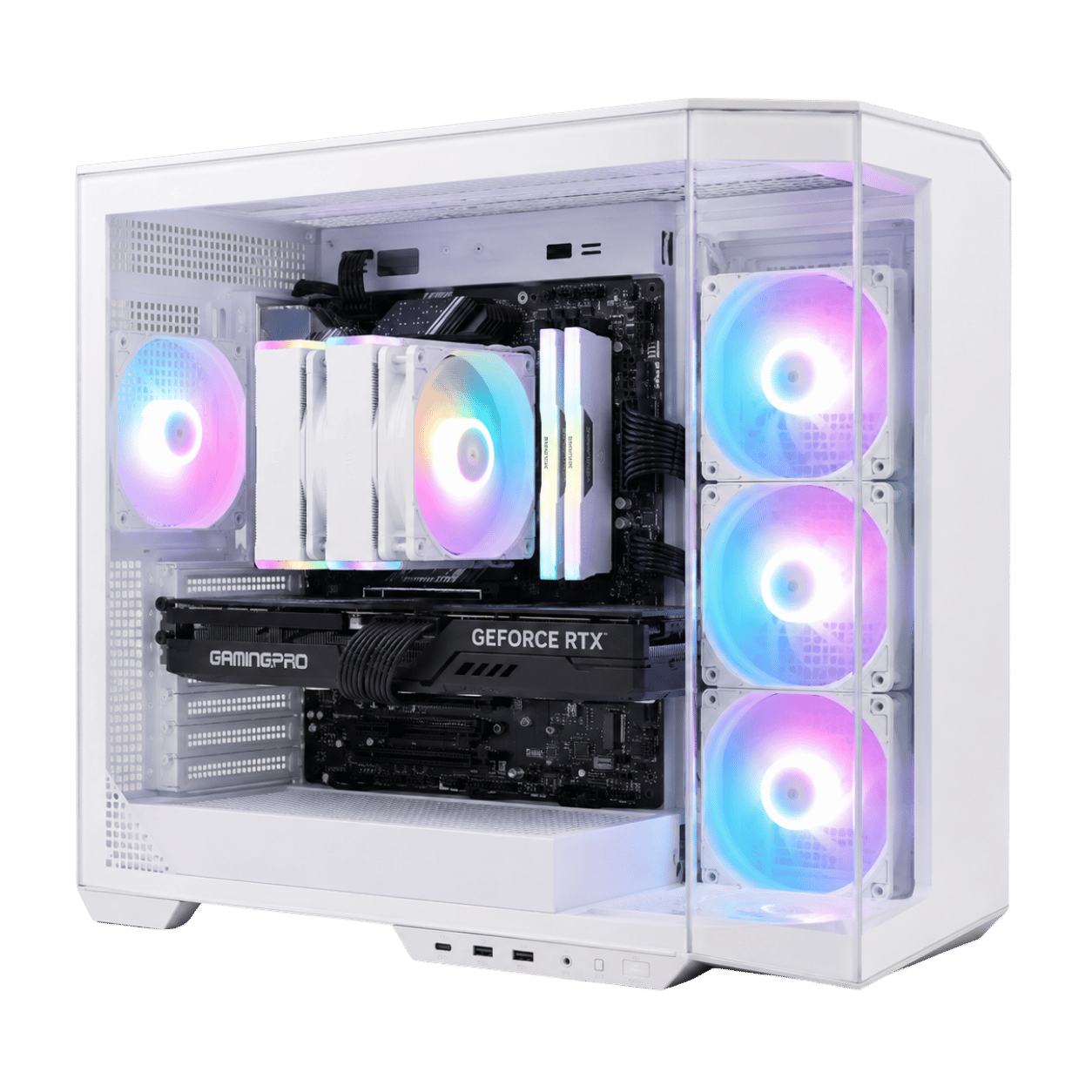
What we check before installing a new graphics card
A card that physically fits is not automatically the right upgrade. CAA Computers checks the complete system before installation.
Match the graphics card to the screen and games you actually use.
High FPS without overspending
Suitable for esports, mainstream games and users targeting strong performance on a Full HD monitor.
- 1080p gaming
- Competitive shooters
- Entry streaming setups
- Older-PC refreshes
The balanced gaming upgrade
A strong middle ground for sharper visuals, high refresh rates, modern AAA games and gaming-plus-streaming systems.
- 1440p high settings
- High-refresh monitors
- Streaming and recording
- Greater VRAM headroom
Maximum visual performance
Designed for demanding games, premium monitors, high-resolution textures and buyers who want stronger long-term headroom.
- 4K gaming
- Ultra settings
- Content creation
- High-end power requirements
From compatibility check to tested performance.
Inspect the PC
We identify the motherboard, CPU, power supply, case clearance and existing graphics setup.
Recommend the GPU
The card is matched to your games, software, monitor resolution, budget and upgrade goals.
Install and configure
The graphics card is installed securely, power is connected and drivers are configured.
Test the system
Temperatures, load behaviour, display output, drivers and stability are checked before collection.
Not sure which graphics card your computer can handle?
Bring the PC to CAA Computers or send through the current specifications. We can check whether the GPU, power supply, case, processor and cooling are suitable before you spend money on the wrong card.
Upgrade, repair or rebuild the right way.
Gaming PC repair
Diagnose crashes, display problems, overheating, performance loss and other gaming computer faults.
Custom PC builder
When the existing platform is too limited, a balanced custom computer may provide better value than replacing several parts.
High-end gaming PCs
Compare complete high-performance gaming systems built for elite 1440p, 4K, streaming and demanding workloads.
Graphics card upgrade questions.
Can I upgrade the GPU in my PC?
Many desktop PCs can accept a graphics card upgrade, but compatibility depends on the power supply, case clearance, motherboard slot, processor, cooling and operating system. Compact OEM computers may have additional restrictions.
How do I know which graphics card is compatible?
The card must physically fit, the power supply must provide sufficient capacity and the correct connectors, and the rest of the system should be balanced for the intended games, resolution and frame rate.
Do I need a new power supply for a GPU upgrade?
Sometimes. Higher-performance graphics cards may require more wattage or different power connectors. The PSU model, quality, age and the rest of the system load should all be checked.
Can CAA Computers install NVIDIA and AMD graphics cards?
Yes. CAA Computers can assess and install suitable NVIDIA GeForce or AMD Radeon graphics cards in compatible desktop computers and gaming PCs.
Will a new GPU improve gaming FPS?
A stronger graphics card can substantially improve frame rates and visual settings when the existing GPU is the main limitation. Results still depend on the CPU, memory, game, resolution and settings.
Do you install graphics card drivers?
Yes. Driver installation and configuration are included as part of the GPU upgrade process, with old driver cleanup performed when appropriate.
Read more about GPU upgrades and graphics card installation
GPU Upgrade Sydney
A GPU upgrade is one of the most effective ways to improve the gaming performance of a compatible desktop computer. The graphics card is responsible for rendering games, 3D scenes, video effects and supported accelerated workloads. Customers searching for a GPU upgrade, graphics card upgrade, gaming PC GPU upgrade or video card installation service are usually trying to improve frame rates, play at a higher resolution, use stronger visual settings or prepare the computer for newer software.
Upgrade Your Graphics Card Without Guessing
The best graphics card upgrade is not simply the most expensive card available. The correct option must suit the monitor, games, CPU, power supply, case and budget. A graphics card that is too large may not fit inside the case. A card with high power requirements may need a better PSU. A very powerful GPU paired with an older processor may not deliver the expected performance in CPU-heavy games.
Power Supply and GPU Compatibility
CAA Computers checks power-supply capacity and connector support before completing a graphics card upgrade. GPU power requirements vary significantly, and total system demand also changes with the processor and other components. Manufacturer guidance should be considered alongside the actual hardware configuration. See the official MSI GPU power-supply guide for examples of how PSU recommendations differ across graphics cards and CPU classes.
NVIDIA and AMD GPU Upgrades
NVIDIA GeForce and AMD Radeon graphics cards can both suit gaming computer upgrades. The right choice depends on performance targets, software requirements, ray tracing, encoding, VRAM, pricing and availability. Customers can review current driver and product support through the official NVIDIA driver page and AMD driver support.
Gaming Computer GPU Upgrade
A gaming computer upgrade should be designed around the screen. A 1080p esports player may prioritise high frame rates and CPU balance. A 1440p user may need stronger graphics performance and additional VRAM. A 4K player places substantially more load on the GPU and may require a high-end graphics card, stronger power supply and better cooling.
Professional Graphics Card Installation
CAA Computers provides graphics card installation with compatibility checking, physical installation, power connection, driver setup and load testing. This helps avoid common problems such as no display, unstable power delivery, incorrect drivers, overheating, poor airflow or buying a card that does not suit the rest of the computer.