

Computer Upgrades Sydney
Upgrade the part that is actually holding your PC back — not the most expensive part on the shelf.
CAA Computers upgrades gaming PCs, desktop computers, work PCs and compatible laptops from our Kingsgrove workshop. We check the existing hardware first, then recommend the RAM, SSD, graphics card, CPU, motherboard, cooling, RGB or power-supply upgrade that makes sense for the system.
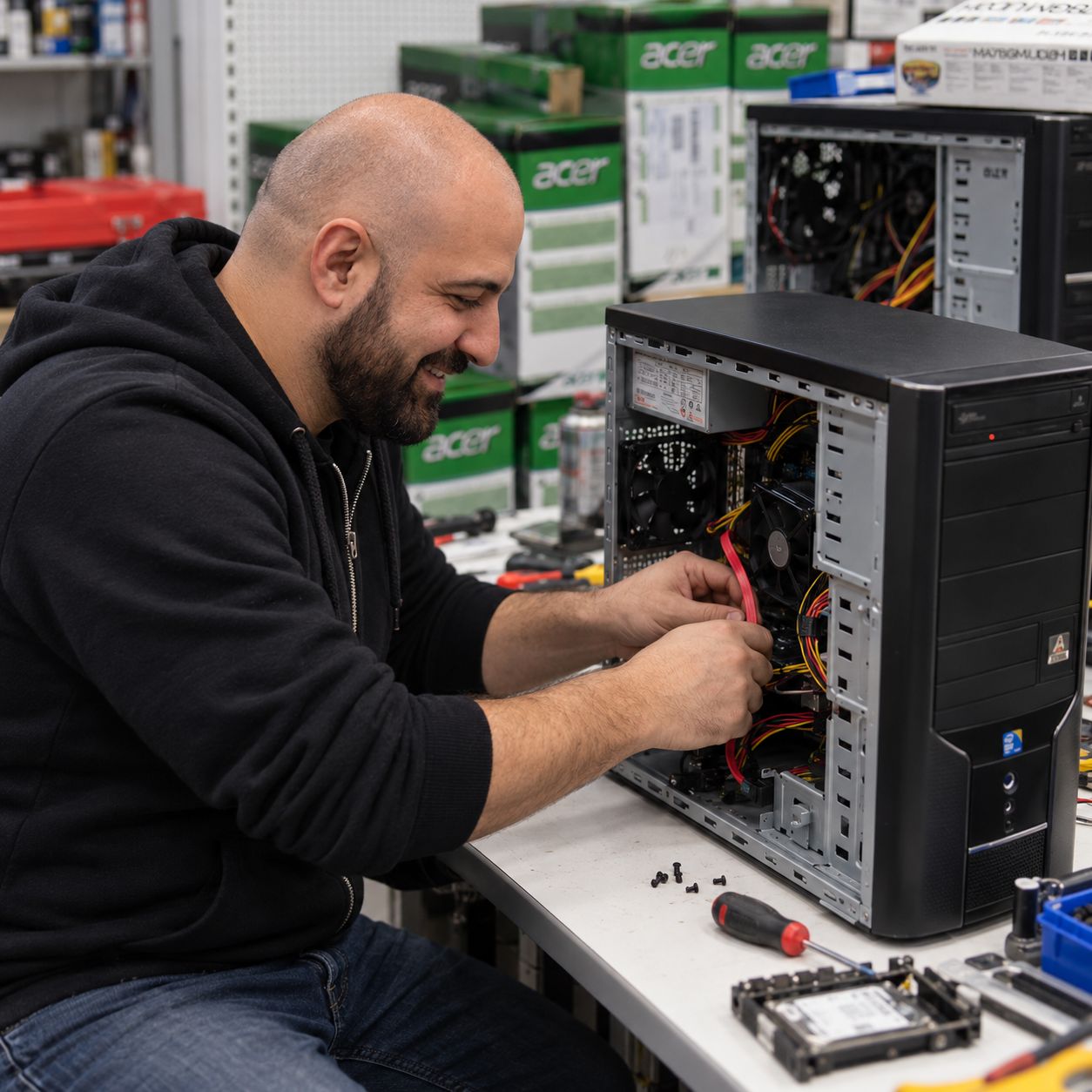
Know the labour cost before we start.
The amount of labour depends on how much of the system needs to come apart. Replacement parts are quoted separately.
Single Component Installation & Testing
For one known compatible component when diagnosis is not required.
- One component installed
- Basic configuration
- Basic testing
- Suitable for many RAM, SSD, GPU or cooler installs
PC Upgrade – Multiple Components
For several components being upgraded without a full system strip-down.
- GPU + PSU
- RAM + SSD
- Cooling + storage
- Several compatible hardware changes
Full System Rebuild
For major platform changes, case transfers or jobs requiring substantial disassembly and reassembly.
- Major platform changes
- Case transfers
- Extensive hardware changes
- Reassembly and basic testing
Basic Internal PC Clean
Internal dust removal, fan and filter cleaning, case clean and basic visual inspection.
- Dust removal
- Fan cleaning
- Filter cleaning
- Basic internal inspection
CPU Cooler Clean & Thermal Paste
CPU cooler service including removal where appropriate, cleaning, fresh thermal compound and basic temperature testing.
- CPU cooler removal where appropriate
- Cooler and contact-surface cleaning
- Fresh thermal paste
- Basic temperature test
Deep Clean & Strip-Down Service
For heavily dust-affected systems requiring more extensive cleaning and partial disassembly.
- Extensive internal dust removal
- Fans, filters and heatsinks cleaned
- Partial strip-down where required
- Not a full hardware rebuild
System Tune-Up & Software Cleanup
Windows cleanup for systems that are operating but feel slow, cluttered or overloaded with unnecessary startup software.
- Startup software review
- Basic Windows cleanup
- Update checks
- Performance review
Windows / Linux OS Installation
Fresh Windows or Linux installation with available drivers, system updates and basic operating-system setup.
- Windows 11 or supported Linux install
- Available device drivers
- System updates
- Windows licence not included if required
Start with the problem — not the part.
You do not need to know which component to buy. Tell us what feels slow, what you use the PC for and what you want improved.
More Gaming Performance
Low frame rates, stuttering or a new higher-resolution monitor may point to the GPU, CPU, RAM or a combination of components.
Better Multitasking
If memory use stays near full while you work, stream, edit or keep many applications open, more RAM may be the right upgrade.
Faster Loading & More Storage
Slow startup, long application loads or a nearly full drive can often be improved with the right SSD or storage upgrade.
Faster Processing
Older processor platforms can limit gaming, editing, CAD, compiling and productivity even when the graphics card is still useful.
Lower Temperatures & Noise
Better cooling, airflow, thermal paste or a stronger CPU cooler can improve stability and reduce noise.
Improve The Look Of The PC
ARGB fans, RGB memory, illuminated coolers and cleaner cabling can refresh the appearance of a custom desktop or gaming PC.
Choose the upgrade that solves the real bottleneck.
The specialist pages below go deeper into compatibility, installation and the exact hardware being upgraded.
Gaming Computer Upgrade
Improve FPS, balance CPU and GPU performance, increase memory, add faster storage, improve cooling or prepare the system for a stronger graphics card.
Explore Gaming PC Upgrades →GPU / Graphics Card Upgrade
Graphics-card compatibility, case clearance, power requirements, PSU connectors and installation for 1080p, 1440p, ultrawide and 4K systems.
Explore GPU Upgrades →CPU & Motherboard Upgrade
Move to a stronger platform with compatible CPU, motherboard, memory, cooler, BIOS, drivers and power requirements considered together.
Explore CPU & Motherboard Upgrades →Computer RAM Upgrade
Add compatible desktop DDR4 or DDR5 memory for gaming, work, multitasking, streaming, editing and workstation applications.
Explore Desktop RAM Upgrades →Laptop RAM Upgrade
Check SODIMM slots, soldered memory, DDR generation, available capacity and whether your exact laptop model can actually be upgraded.
Explore Laptop RAM Upgrades →SSD & Storage Upgrade
Upgrade to compatible SATA or NVMe storage, add capacity or replace an older hard drive with faster solid-state storage.
Explore SSD & Storage Upgrades →Cooling Upgrade
Upgrade CPU coolers, case fans, airflow and thermal performance. We can install larger air coolers, AIO liquid coolers and improved fan layouts.
Ask About Cooling Upgrades →RGB & Appearance Upgrade
Add or replace ARGB fans, RGB RAM, illuminated coolers and compatible lighting hardware while improving cable presentation.
Ask About RGB Upgrades →Computer Cleaning
Remove dust from fans, filters and internal components so upgraded hardware is not running inside a heat-soaked system.
View Cleaning Pricing →Full System Rebuild
For case transfers, major platform upgrades or extensive component changes that require the system to be stripped down and rebuilt.
Ask About A Full Rebuild →Software Cleaning & Tune-Up
Remove unnecessary startup software, reduce clutter and review Windows performance when software is making an otherwise capable PC feel slow.
View Software Cleanup Pricing →Power Supply Upgrade
Upgrade the PSU when a new GPU, CPU or multi-part upgrade needs more wattage, newer connectors or a better-quality power supply.
Ask About PSU Upgrades →Hardware installed by someone who works inside PCs every day.
CAA Computers builds, repairs and upgrades desktop computers in Kingsgrove. Your system is handled as a complete build, not as unrelated parts.
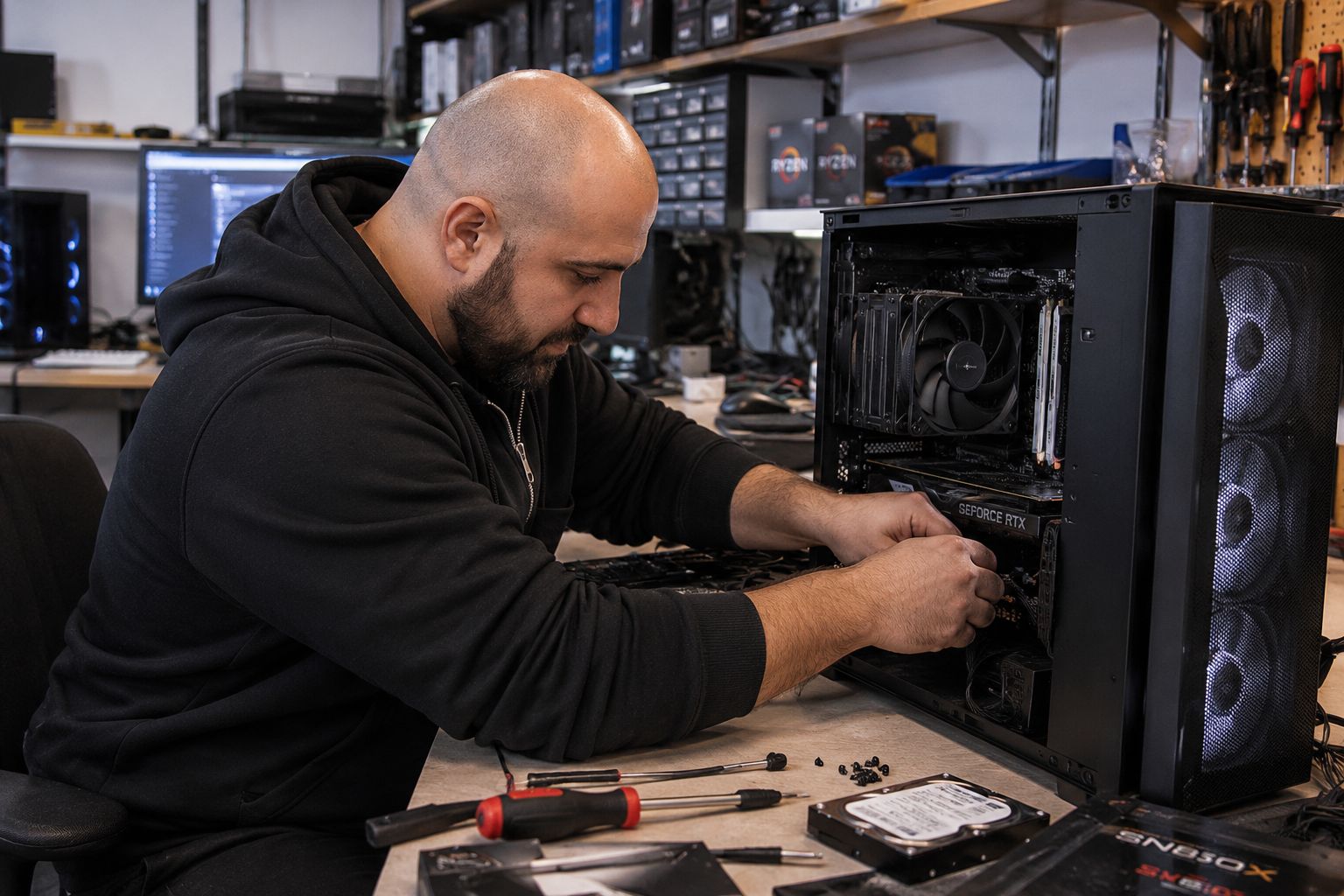
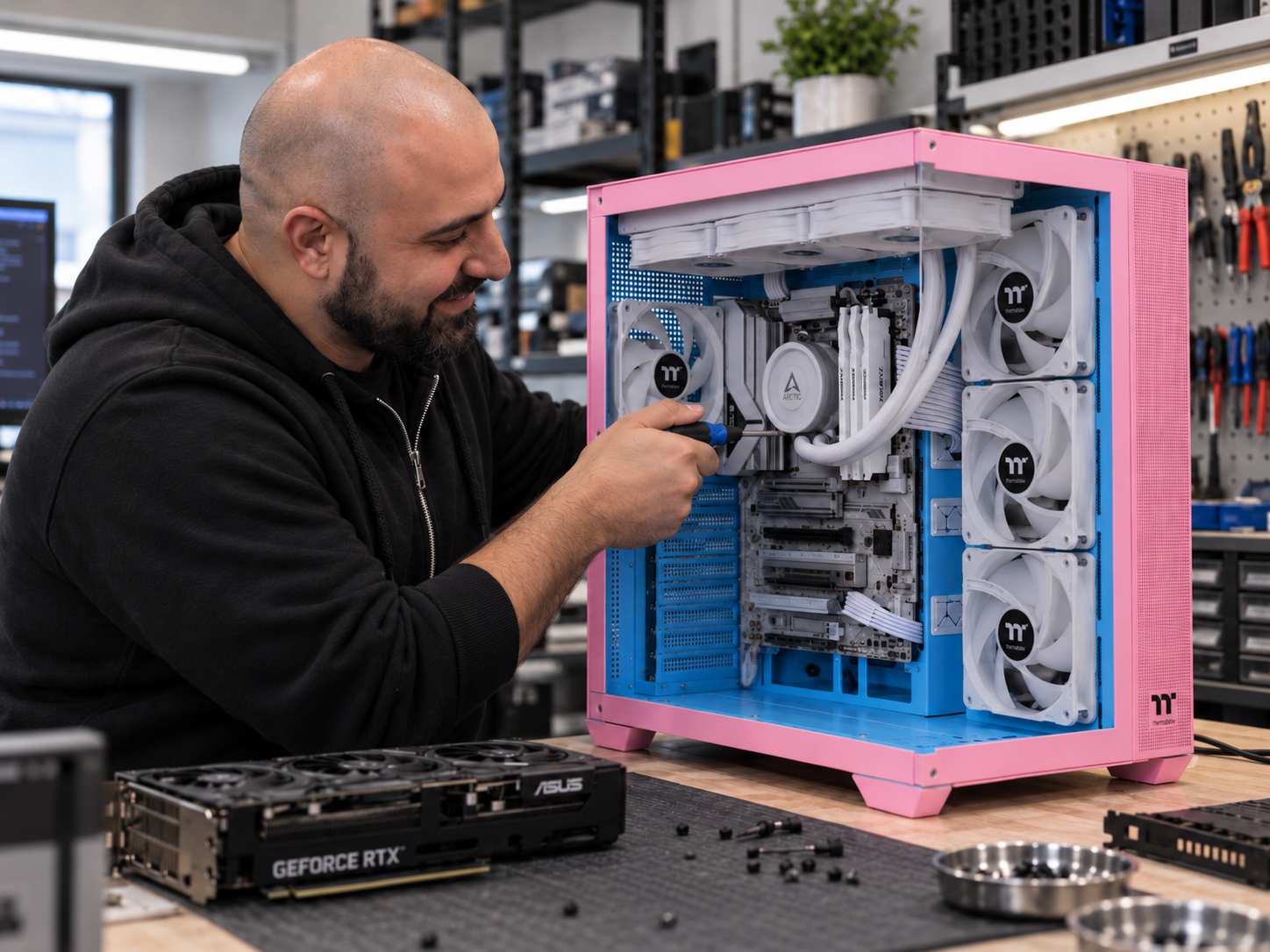
A good upgrade has to fit the whole system.
A faster component is useless if the motherboard does not support it, the PSU cannot run it, the case cannot fit it or another part becomes the new bottleneck.
Socket, chipset, BIOS support, expansion slots, storage interfaces and memory generation.
Wattage, age, quality, PCIe connectors and whether the PSU suits the proposed hardware.
GPU length and thickness, cooler height, radiator support, drive mounts and airflow.
Whether the new part improves the workload or simply moves the bottleneck somewhere else.
Thermal headroom, fan layout and whether cooling needs to improve with the new hardware.
Whether upgrading still makes financial sense compared with replacing too many ageing parts.
Send us your current PC specs.
You do not need to guess. Send us the processor, motherboard, graphics card, RAM, storage, power supply and what you want the computer to do better.
For gaming, tell us the games, monitor resolution and target frame rate. For work, tell us the software you use. We can then point you toward the upgrade that is most likely to make a meaningful difference.
From current specs to a tested upgrade.
1. Tell Us What You Want Improved
Speed, gaming performance, storage, multitasking, temperatures, noise, appearance or support for newer software and hardware.
2. We Check Compatibility
The motherboard, CPU, RAM, PSU, case, cooling and storage layout are checked against the proposed upgrade.
3. You Approve Parts & Labour
Replacement components are quoted separately and the applicable labour category is explained before installation.
4. Hardware Is Installed
The components are fitted, cabling checked and supported BIOS or driver configuration completed where required.
5. The PC Is Tested
Startup, temperatures, memory, storage and general system stability are checked after the upgrade.
6. Keep The Parts That Still Make Sense
The goal is to improve the computer without replacing good hardware simply because something newer exists.
Local PC upgrade workshop in Kingsgrove.
CAA Computers is located at 4/328 Kingsgrove Road, Kingsgrove NSW 2208. Customers from Kingsgrove, Bankstown and surrounding Sydney suburbs can bring compatible desktops, gaming PCs, work computers and supported laptops for hardware upgrades.
Not every old PC should be upgraded.
If one or two components are limiting an otherwise useful computer, an upgrade can be excellent value.
If the CPU, motherboard, RAM, power supply, storage, cooling and graphics card all need replacing, a new computer may make more sense than continuing to invest in the old platform.
CAA Computers can compare the likely upgrade path against replacement so you can decide before buying parts that may not deliver enough improvement.
Detailed information about computer upgrades in Sydney.
The visible page stays focused on choosing and booking the right upgrade. These sections provide the deeper PC upgrade information and long-tail search coverage.
Computer Upgrades Sydney – What Does A Professional PC Upgrade Service Include?
Customers searching for computer upgrades Sydney, PC upgrades Sydney, computer upgrade service, PC hardware upgrades, upgrade my PC, upgrade your PC or computer upgrades near me are usually trying to improve an existing computer without paying for an entirely new system.
A professional computer upgrade service should do more than fit a new part. The current hardware should be checked first so the replacement component is physically compatible, electrically suitable and useful for the workload.
CAA Computers provides computer upgrades for compatible desktop PCs, gaming computers, work computers, workstations and selected laptops from our Kingsgrove workshop. Depending on the system, a PC upgrade can involve memory, storage, graphics, processor, motherboard, cooling, RGB lighting, power supply or several components together.
For specialist information, use the dedicated pages for gaming computer upgrades, GPU upgrades, CPU and motherboard upgrades, desktop RAM upgrades, laptop RAM upgrades and SSD and storage upgrades.
Upgrade My PC – How Do I Know Which Component To Upgrade First?
People often search upgrade my PC, what should I upgrade in my computer, best PC upgrade, how to upgrade a computer or make my PC faster without knowing which part is causing the limitation.
A computer that takes a long time to start or open applications may have slow or unhealthy storage. A system that becomes sluggish with many programs open may be short of memory. A gaming PC with low frame rates may be limited by the GPU, CPU, memory configuration or several parts together. A workstation may be limited by CPU speed, memory capacity, GPU acceleration or storage throughput depending on the software used.
The important point is that a new component only improves performance when it addresses the actual bottleneck. Installing a faster graphics card into a system already heavily limited by the processor may deliver less improvement than expected. Adding RAM when memory use was never close to full may make almost no difference.
PC Hardware Upgrades – RAM, SSD, GPU, CPU, Motherboard, Cooling And Power Supply
PC hardware upgrades can range from one simple component installation to a major rebuild. Common computer hardware upgrades include additional RAM, larger or faster SSD storage, a new graphics card, a faster processor, a new motherboard platform, stronger CPU cooling, additional case fans and a more suitable power supply.
Each hardware upgrade has different compatibility requirements. Desktop memory must match the supported DDR generation. An SSD may require a compatible M.2 NVMe slot or SATA connection. A graphics card must fit inside the case and be supported by the PSU. A processor must match the motherboard socket, chipset and BIOS support.
Power supply and cooling upgrades are often overlooked. A faster graphics card can increase power draw and heat output. A new CPU may need stronger cooling than the previous processor. A good upgrade plan considers the entire computer rather than treating each component separately.
Cooling Upgrades, CPU Cooler Upgrades And PC Airflow Improvements
PC cooling upgrades, CPU cooler upgrades, computer fan upgrades and AIO liquid cooler upgrades can help control temperature, reduce thermal throttling and support faster processors.
Cooling work may include replacing the CPU cooler, installing additional case fans, improving fan orientation, refreshing thermal compound and checking radiator placement. A cooling upgrade is especially important when a faster processor or graphics card increases the amount of heat being produced inside the case.
CAA Computers can install compatible air coolers, AIO liquid coolers and case fans as part of a single component installation, multi-part upgrade or larger rebuild depending on the job.
RGB Upgrades, ARGB Fan Upgrades And Custom PC Lighting
RGB upgrades, ARGB fan upgrades, gaming PC lighting upgrades and other visual PC upgrades are popular with customers who want the computer to look as good as it performs.
Compatible RGB fans, illuminated RAM, RGB CPU coolers and lighting hardware can be installed while keeping cabling clean and checking the available RGB or ARGB headers. The exact hardware should be checked for connector compatibility before installation because 5V ARGB and 12V RGB are not interchangeable.
RGB upgrades can also be combined with cooling or fan upgrades when the goal is to improve both airflow and the appearance of the system.
Computer Cleaning, PC Cleaning And Internal Dust Removal
A dusty system can undermine the benefits of new hardware. Computer cleaning, PC cleaning, fan cleaning, filter cleaning and deeper internal cleaning can improve airflow and make it easier to inspect the system before new parts are fitted.
CAA Computers offers a basic internal PC clean as well as deeper strip-down cleaning for heavily dust-affected systems. Cleaning is useful before or during an upgrade when fans, filters, heatsinks or radiators are blocked with dust.
Cleaning does not replace a hardware upgrade, but it can reduce temperatures and noise enough to reveal whether poor thermal performance was part of the original problem.
CPU Upgrade, Motherboard Upgrade And Full Platform Upgrade
A CPU upgrade can improve gaming, CAD, editing, compiling and productivity when the processor is the main limitation. Some processors can be upgraded on the existing motherboard, while other jobs require a new motherboard, new memory, a different cooler or BIOS work.
When the motherboard also changes, the job becomes a platform upgrade. Socket, chipset, DDR generation, cooler support, BIOS, case layout and Windows configuration may all need to be considered.
For deeper information, visit the dedicated CPU and motherboard upgrade page.
Full System Rebuild, PC Rebuild And Case Transfer
A full system rebuild, PC rebuild, computer rebuild or case transfer may be the correct approach when the upgrade changes most of the core hardware or requires extensive disassembly.
Typical full rebuild work can include removing the existing components, installing the motherboard, CPU, RAM, storage, GPU, PSU and cooling hardware into the final configuration, reconnecting front-panel and case wiring, managing cables, configuring supported BIOS settings and performing basic boot and stability checks.
CAA Computers charges $250 labour for a full rebuild or major platform job, with replacement parts quoted separately.
Software Cleaning, Windows Cleanup And PC Tune-Up After Hardware Upgrades
Software cleaning, PC tune-up, Windows cleanup, startup-software cleanup and general software maintenance can complement hardware upgrades when the computer is physically capable but still feels slow because of unnecessary background programs or operating-system clutter.
Software cleanup can include reviewing startup applications, removing unnecessary software, checking updates and performing a basic Windows performance review. It is a separate service from hardware installation.
Hardware upgrades and software cleanup solve different problems, so CAA Computers can explain whether the system is being limited by the components, the operating system or both.
Computer Upgrade Service For Gaming PCs, Work PCs And Workstations
A computer upgrade service should be matched to how the PC is actually used. Gaming PCs, office computers and professional workstations can all benefit from upgrades, but the component that matters most can be completely different.
Gaming PC upgrades
Gaming performance may depend on graphics, processor performance, memory configuration, storage, power supply, temperatures and monitor resolution. The dedicated gaming computer upgrade page covers this in more detail.
Office and home PC upgrades
Home and office computers often benefit from additional memory, an SSD or a storage-capacity upgrade. The goal is usually better responsiveness and more useful life from an existing computer.
Workstation upgrades
Workstations used for CAD, architecture, engineering, video editing, photography, development or content creation may be limited by CPU speed, memory capacity, GPU acceleration or storage throughput.
Computer Upgrades Near Me – Local PC Upgrade Service In Kingsgrove
Searches such as computer upgrades near me, PC upgrades near me, computer upgrade Sydney, PC hardware upgrade Sydney and computer upgrade service near me usually come from customers who want somewhere local they can physically bring the tower or laptop.
CAA Computers operates from 4/328 Kingsgrove Road, Kingsgrove NSW 2208 and provides local computer upgrade services for customers from Kingsgrove, Bankstown, Beverly Hills, Bexley, Hurstville, Penshurst, Campsie, Revesby, Padstow, Lakemba and surrounding Sydney suburbs.
A local workshop is particularly useful for hardware upgrades because case clearance, PSU model, motherboard revision, RAM slot population, existing cabling, cooling layout and storage configuration may need to be checked against the actual machine.
Is It Better To Upgrade An Old PC Or Buy A New Computer?
Whether it is better to upgrade an old PC or replace it depends on how much of the existing system can still be reused. A targeted computer upgrade can provide excellent value when one or two parts are holding back an otherwise capable machine.
Replacement becomes more attractive when almost every major component needs attention. If the CPU, motherboard, RAM, storage, PSU, cooling and graphics card are all old or unsuitable for the intended workload, repeated upgrades can eventually cost more than moving to a balanced new system.
CAA Computers can compare the likely upgrade path against replacement so the customer can decide before committing to parts.
PC Upgrade Compatibility – What Needs To Be Checked Before Buying Parts?
PC upgrade compatibility is one of the most important parts of any computer upgrade service. Components can be individually good products and still be wrong for a particular system.
- CPU compatibility: socket, chipset, BIOS support, power delivery and cooler support.
- RAM compatibility: DDR generation, memory capacity, speed, DIMM layout and available slots.
- GPU compatibility: case length, card thickness, PSU wattage, power connectors and CPU balance.
- SSD compatibility: M.2 NVMe slots, PCIe support, SATA ports and available mounting positions.
- Cooling compatibility: cooler mounting, case clearance, radiator positions and fan layout.
- Power-supply compatibility: wattage, connector support, form factor, age and overall quality.
Professional PC Upgrade Installation And Testing
A professional PC upgrade installation should include more than physically inserting a component. Depending on the upgrade, the system may need BIOS settings adjusted, memory profiles configured, drivers installed, cooling checked and cabling changed.
After hardware installation, CAA Computers performs basic checks relevant to the work completed. This can include startup and POST, storage detection, memory detection, operating-system loading, temperatures, fan operation, driver status and general stability.
Customers who already own the replacement component can still use the installation service, provided the part is compatible.
Computer Upgrades FAQ – Common Questions Before Upgrading A PC
Will a computer upgrade make my PC faster?
It can when the upgrade targets the real performance limitation. Replacing a component that is not causing the slowdown may produce little noticeable improvement.
Can I bring my own parts?
Yes. CAA Computers can install customer-supplied compatible parts. Compatibility should ideally be checked before installation.
Do you upgrade gaming PCs?
Yes. For gaming-specific performance planning, use the gaming computer upgrade service.
Do you upgrade laptops?
Supported laptops may allow RAM and storage upgrades. Some modern laptops use soldered memory or storage layouts that limit what can be replaced.
How much does a PC upgrade cost?
CAA Computers charges $150 for one known component installation and testing, $200 for a multi-part upgrade and $250 for a full rebuild or major platform job. Replacement parts are additional.
Tell us what you want the PC to do better.
Send us your current specifications and the problem you want to solve. We can help identify which upgrade is worth doing before you spend money on parts.