

RAM Upgrade Sydney
If your desktop is running out of memory, stuttering while multitasking or struggling with modern software, the right RAM upgrade can make the system feel noticeably smoother.
CAA Computers provides desktop RAM upgrades for gaming PCs, work PCs and workstations. We check DDR generation, motherboard support, available DIMM slots, current memory layout and sensible capacity before installing new memory.
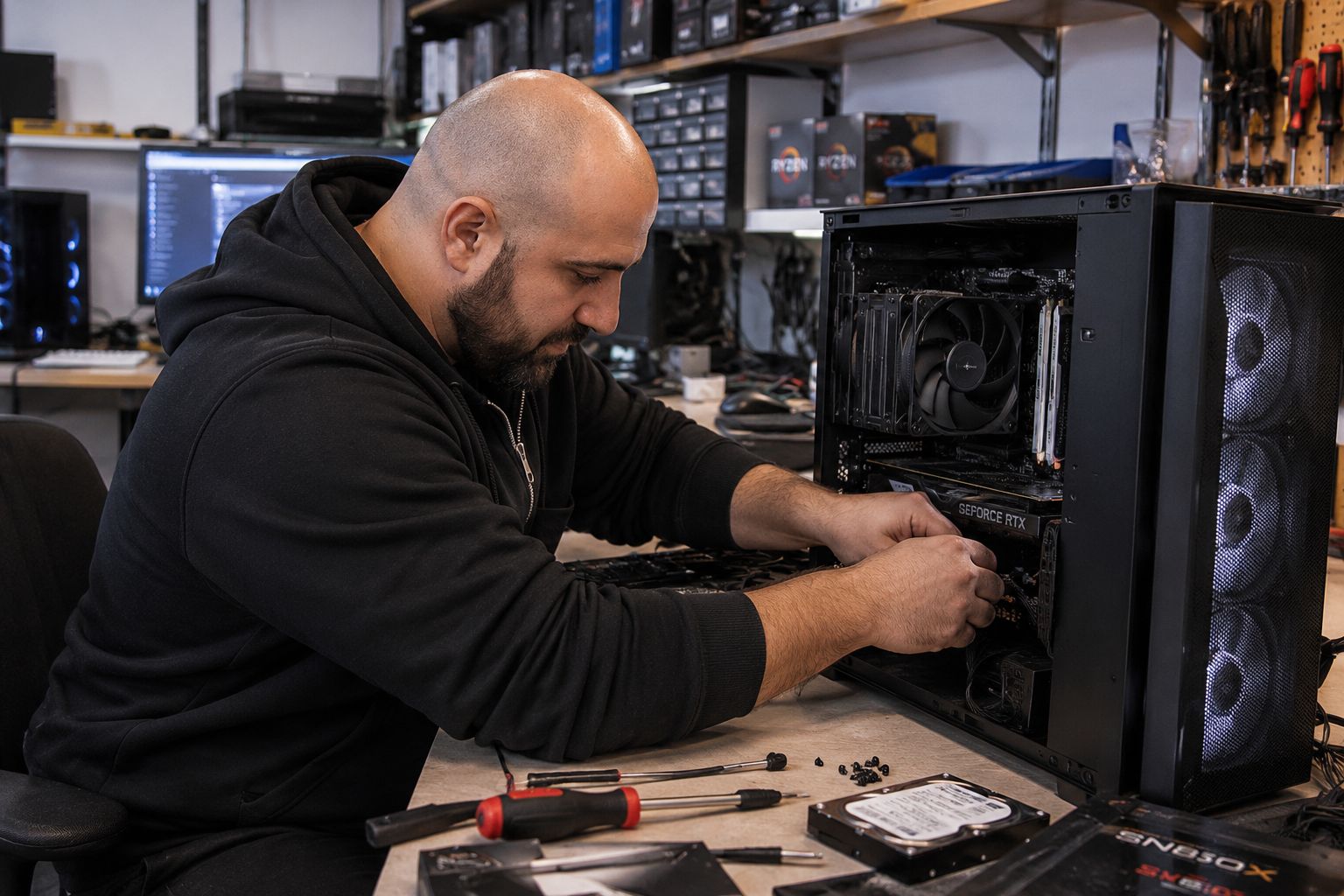
Clear pricing for desktop memory upgrades.
Single Component Installation & Testing
For one known compatible RAM upgrade when diagnosis is not required.
- RAM installation
- Basic BIOS/memory detection check
- Basic testing
- Memory hardware extra
RAM + Other PC Upgrades
For a RAM upgrade combined with several other compatible hardware changes.
- RAM + SSD
- RAM + cooling
- RAM + storage
- Other multi-part upgrades
Full System Rebuild
For major platform changes where motherboard, CPU, RAM and other hardware are being changed together.
- Platform upgrades
- DDR4 to DDR5 platform change
- Case transfers
- Major reassembly
Basic Internal PC Clean
Internal dust removal, fan and filter cleaning, case clean and basic visual inspection.
- Useful if dust buildup is affecting airflow
- Can help noise and temperatures
- Does not create more RAM capacity
CPU Cooler Service & Thermal Paste
CPU cooler removal where appropriate, cleaning, fresh thermal compound, reinstallation and basic temperature testing.
- For high CPU temperatures
- Useful on older systems
- Separate from RAM installation
Deep Clean & Strip-Down Service
For heavily dust-affected systems requiring more extensive cleaning and partial disassembly.
- Fans and heatsinks cleaned
- Partial strip-down where required
- Not a full rebuild
System Tune-Up & Software Cleanup
For systems that still work but feel slow because of startup software, clutter or Windows issues rather than lack of RAM.
- Startup software review
- Basic Windows cleanup
- Update checks
- Performance review
Complete Windows / Linux Reinstall
Fresh operating-system installation with available drivers, updates and basic setup when the current OS is damaged or not worth cleaning up.
- Windows 11 or supported Linux
- Available drivers
- System updates
- Windows licence not included if required
Maintenance vs RAM Upgrade
If memory usage is not actually close to full, more RAM may not make the PC faster. Cleaning or software maintenance may be the better first step if the machine used to run well.
- RAM upgrades increase memory capacity
- Cleaning can restore lost thermal performance
- Software cleanup can reduce unnecessary background load
More memory helps when the PC is actually running out of it.
Heavy Multitasking
Many browser tabs, Office applications, communication tools and background software can quickly consume 16GB or less.
Gaming + Streaming
Modern games, Discord, browsers, launchers and streaming software can push memory usage high enough for 32GB to make sense.
Video Editing & Creative Work
Larger projects, high-resolution media and creative applications can benefit from 32GB, 64GB or more depending on the workload.
CAD & Workstations
Engineering, CAD, architecture and workstation applications may need significantly more memory as project size grows.
Virtual Machines
Running VMs reserves memory quickly, making capacity upgrades useful for development, testing and lab environments.
Out-Of-Memory Slowdowns
When Windows relies heavily on the page file because physical memory is full, the system can become noticeably less responsive.
Not every RAM kit works properly in every motherboard.
DDR3, DDR4 and DDR5 are physically and electrically different and cannot be mixed.
Maximum supported memory and supported module sizes vary by motherboard and CPU platform.
The number of free slots affects whether we add memory or replace the current modules.
Rated speed, motherboard support and CPU memory controller limits all matter.
Module placement can affect dual-channel performance and overall memory bandwidth.
Mixing different kits can work, but matching modules is generally safer for stability and memory training.
Tell us what the computer is used for.
Send us your motherboard or PC model, current RAM capacity and the applications you use. We can help work out whether 16GB, 32GB, 64GB or more makes sense.
If you are upgrading a laptop rather than a desktop, use our dedicated laptop RAM upgrade page because laptop memory compatibility and soldered RAM need to be treated separately.
Choose capacity based on the workload.
16GB RAM
Suitable for general desktop use, lighter gaming and everyday applications when the workload is not memory-heavy.
32GB RAM
A strong modern target for gaming, multitasking, streaming, productivity and many creative workloads.
64GB RAM
Useful for heavier editing, CAD, large creative projects, virtual machines and memory-intensive professional work.
128GB+ RAM
For specialist workstations, large datasets, multiple VMs, professional creative work and applications with very high memory demand.
DDR4 RAM Upgrade
Upgrade compatible DDR4 systems when the current platform still has useful life and more capacity is the main limitation.
DDR5 RAM Upgrade
Upgrade modern DDR5 systems with compatible capacity and sensible speeds for the motherboard and processor.
Local desktop memory upgrades from Kingsgrove.
CAA Computers is located at 4/328 Kingsgrove Road, Kingsgrove NSW 2208 and provides desktop RAM upgrade services for customers from Kingsgrove, Bankstown and surrounding Sydney suburbs.
More RAM does not fix every slow computer.
If Task Manager shows memory usage constantly near full, a RAM upgrade can be a very sensible fix.
If memory use is low but the computer is still slow, the real problem may be storage, CPU performance, Windows clutter, overheating or another fault.
That is why CAA Computers checks the system and workload before recommending memory simply because “more RAM” sounds like an upgrade.
Detailed information about RAM upgrades in Sydney.
The visible page stays focused on choosing and booking a RAM upgrade. These accordions carry the deeper keyword and compatibility coverage.
RAM Upgrade Sydney – Desktop Memory Upgrade Service
Customers searching for RAM upgrade Sydney, computer RAM upgrade, desktop RAM upgrade, PC memory upgrade, memory upgrade service, increase computer RAM or RAM installation Sydney are usually trying to improve multitasking, gaming, creative work or workstation performance without replacing the entire PC.
CAA Computers provides desktop RAM upgrades for compatible home PCs, gaming computers, office desktops and workstations from our Kingsgrove workshop. We check the memory generation, motherboard capacity, available DIMM slots, existing kit layout and workload before recommending additional memory.
DDR4 RAM Upgrade vs DDR5 RAM Upgrade
DDR4 RAM upgrade and DDR5 RAM upgrade services apply to different motherboard platforms. DDR4 and DDR5 modules use different physical slot designs and cannot be mixed.
A DDR4 system can still be worth upgrading when the platform is otherwise suitable and additional memory solves the real limitation. A DDR5 system may support higher capacity and newer memory technology, but the correct speed and module configuration still depend on the CPU and motherboard.
How Much RAM Do I Need – 16GB, 32GB, 64GB Or 128GB?
The correct RAM capacity depends on the workload. 16GB can still be suitable for lighter everyday use and some gaming. 32GB is a strong modern target for gaming, multitasking and general productivity. 64GB is useful for heavier creative and professional workloads. 128GB or more is generally aimed at specialist workstation applications, virtual machines and very large projects.
CAA Computers recommends memory based on what the system actually does rather than automatically choosing the largest capacity available.
Single Channel vs Dual Channel RAM
Memory channel configuration affects available memory bandwidth. Many desktop platforms perform better with correctly populated matching modules rather than one module operating alone.
A RAM upgrade can sometimes improve performance simply by moving from a single-module configuration to a matched multi-module layout, provided the motherboard and CPU support the intended arrangement.
Can I Mix Different RAM Kits?
Different RAM kits can sometimes operate together, but mixed memory can create compatibility, speed or stability issues. Modules may fall back to slower common settings, and some combinations can be difficult for the memory controller to train reliably.
Where possible, matched memory configurations are generally preferable. If existing RAM is being reused, CAA Computers can review the current modules before recommending an additional kit.
Will More RAM Make My PC Faster?
More RAM helps when the computer is actually limited by memory capacity. If the system frequently reaches very high memory utilisation and begins using the page file heavily, adding memory can improve responsiveness and multitasking.
If memory use is already low, adding more capacity may produce little or no noticeable speed improvement. In that situation the bottleneck may be the CPU, storage, graphics card, cooling, software or another part of the system.
RAM Upgrade Near Me – Kingsgrove Sydney
Searches such as RAM upgrade near me, computer memory upgrade near me, desktop RAM upgrade Sydney and RAM installation near me generally come from customers who want somewhere local they can bring the desktop.
CAA Computers operates from 4/328 Kingsgrove Road, Kingsgrove NSW 2208 and provides RAM upgrades for customers from Kingsgrove, Bankstown, Beverly Hills, Bexley, Hurstville, Penshurst, Campsie, Revesby and surrounding Sydney suburbs.
RAM Upgrade FAQ
How much does a desktop RAM upgrade cost?
Single-component installation and testing is $150 when the compatible RAM is already known. Memory hardware is additional.
Do you upgrade DDR4 and DDR5 RAM?
Yes, for compatible desktop systems.
Can you tell me the maximum RAM my PC supports?
Yes. The motherboard, CPU platform and existing memory configuration can be checked before recommending capacity.
Do you upgrade laptop RAM?
Yes, but laptop memory is handled on the dedicated laptop RAM upgrade page because soldered memory and SODIMM compatibility are different from desktop RAM.
Tell us your motherboard, current RAM and what the PC is used for.
We can help work out whether you need more RAM, a better memory configuration, or whether the slowdown is actually coming from somewhere else.