

Gaming PC Upgrade Sydney
Get more FPS from the gaming PC you already own — without replacing parts that are still doing their job.
CAA Computers upgrades custom gaming PCs for 1080p, 1440p, ultrawide and 4K gaming. We check the CPU, GPU, RAM, storage, power supply, cooling and case before recommending the parts that will actually improve your games.
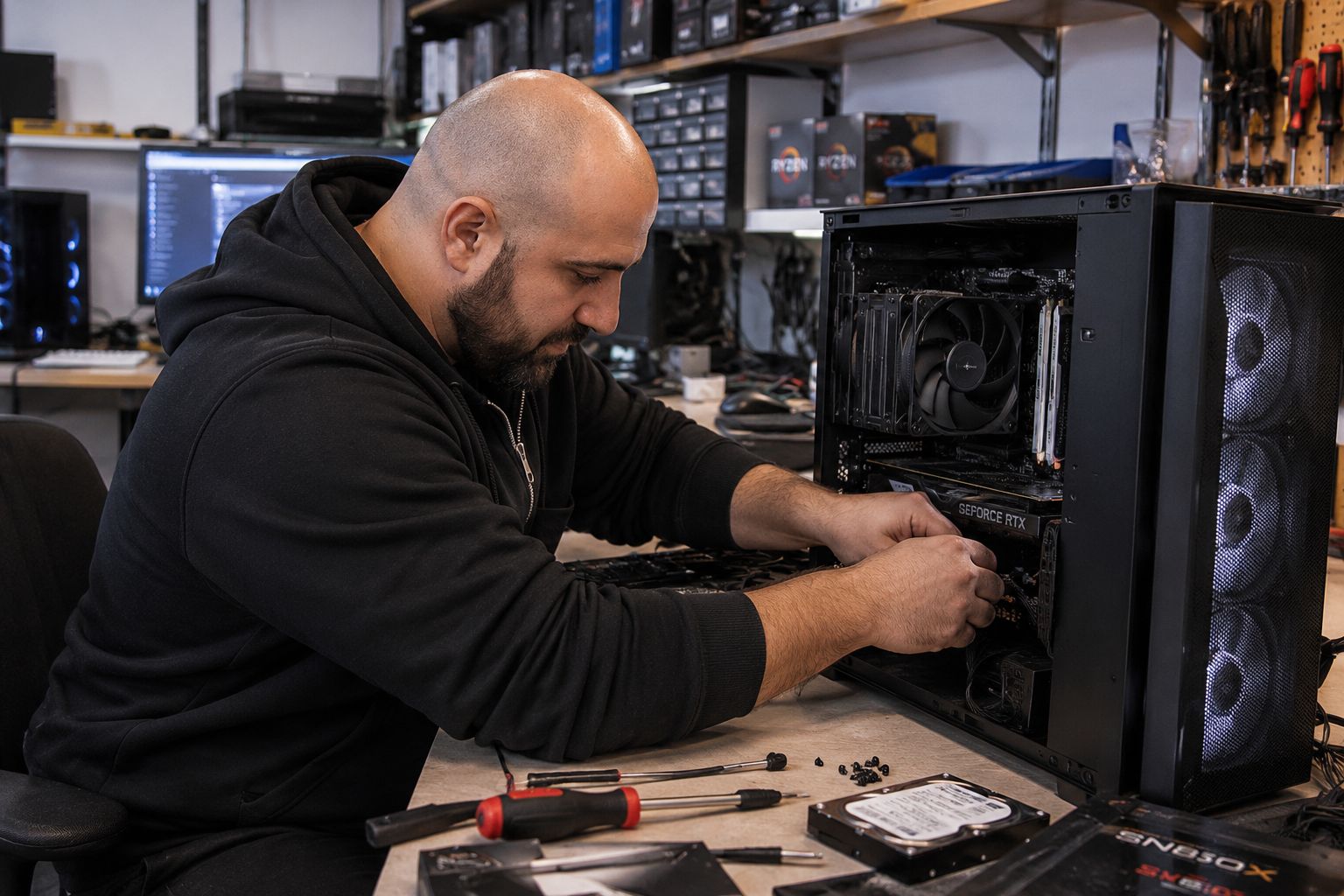
Know the upgrade labour before we start.
Parts are quoted separately. The labour category depends on whether you are changing one known component, several parts or most of the system.
Single Gaming PC Component Installation
For one known compatible component when diagnosis is not required.
- GPU, RAM, SSD, PSU or cooler installation
- Basic configuration
- Basic testing
- Parts extra
Gaming PC Upgrade – Multiple Parts
For several gaming-PC upgrades without a complete strip-down.
- GPU + PSU
- RAM + SSD
- Cooling + storage
- Several compatible performance upgrades
Full Gaming PC Rebuild
For major platform upgrades, case transfers or extensive component changes.
- CPU + motherboard platform changes
- Case transfers
- Extensive hardware upgrades
- Reassembly and basic testing
Sometimes the PC does not need more hardware — it may just need maintenance.
These services are optional. Cleaning and software maintenance can help a gaming PC that has become hotter, noisier, cluttered or less responsive, but they do not magically create extra FPS beyond what the hardware is capable of.
If the system used to run properly and performance has dropped over time, dust buildup, overheating, aging thermal paste, unnecessary startup software or a damaged Windows installation may be contributing to the problem. In those cases, maintenance can be worth trying before spending money on a major hardware upgrade.
Basic Internal PC Clean
Internal dust removal, fan and filter cleaning, case clean and basic visual inspection.
- Useful for dusty systems
- Can help airflow and fan noise
- Does not increase hardware capability
- Best when the PC was running fine before
CPU Cooler Service & Thermal Paste
CPU cooler removal where appropriate, cleaning, fresh thermal compound, cooler reinstallation and basic temperature testing.
- For high CPU temperatures
- For aging or dried thermal paste
- Can help restore thermal performance
- Does not turn a slow CPU into a faster model
Deep Clean & Strip-Down Service
For heavily dust-affected systems that need more extensive cleaning and partial disassembly.
- Fans, filters and heatsinks cleaned
- More extensive internal dust removal
- Partial strip-down where required
- Separate from a $250 full system rebuild
System Tune-Up & Software Cleanup
For a Windows system that still works but has become cluttered, slow to start or overloaded with unnecessary background software.
- Startup software review
- Basic Windows cleanup
- Update checks
- Performance review
Complete Windows / Linux Reinstall
Fresh operating-system installation with available drivers, updates and basic setup when the current Windows or Linux installation is damaged, unstable or not worth cleaning up.
- Fresh Windows 11 or supported Linux install
- Available device drivers
- System updates
- Windows licence not included if required
Maintenance vs Hardware Upgrade
If temperatures, dust or software are not the real bottleneck, cleaning will not create the same performance gain as a proper CPU, GPU, RAM or SSD upgrade.
- Maintenance can restore lost performance
- Hardware upgrades increase capability
- We can explain which path makes sense
- Avoid spending on parts when the issue is maintenance
Upgrade for the games and monitor you actually use.
Higher Frame Rates
Low average FPS or poor 1% lows can be caused by the GPU, CPU, RAM configuration or a combination of parts.
Move To 1440p
A higher resolution puts more load on the graphics card and may also require more VRAM, PSU headroom and stronger cooling.
Move To 4K Gaming
4K gaming usually needs significantly stronger GPU performance and may expose PSU, cooling or CPU limitations elsewhere in the build.
Reduce Stutter
Stutter can come from the CPU, RAM capacity, memory configuration, storage, temperatures or software — not just the graphics card.
Faster Game Loading
Move games from older hard drives or limited storage to compatible SSD or NVMe storage.
Lower Temperatures
Cooling upgrades can reduce thermal throttling, loud fan behaviour and instability in high-performance systems.
Upgrade the component causing the gaming bottleneck.
Graphics Card Upgrade
The largest gaming-performance upgrade in many systems. We check PSU capacity, connectors, case clearance, CPU balance, monitor resolution and cooling before installation.
View GPU Upgrade Service →CPU Upgrade
Useful when high-refresh gaming, open-world games, simulation titles or CPU-heavy workloads are being held back by an older processor.
View CPU & Motherboard Upgrades →Gaming RAM Upgrade
Increase memory capacity, move from single-channel configurations or upgrade a system that runs out of RAM while gaming, streaming or multitasking.
View RAM Upgrade Service →SSD / NVMe Upgrade
Add faster or larger storage for game libraries, shorter load times and more space for modern AAA titles.
View SSD Upgrade Service →Power Supply Upgrade
Install a more suitable PSU when a faster GPU or CPU needs additional wattage, newer connectors or better-quality power delivery.
Ask About PSU Upgrades →Cooling Upgrade
Upgrade CPU coolers, AIO liquid coolers, case fans and airflow when temperatures are limiting gaming performance or creating excessive noise.
Ask About Cooling Upgrades →RGB / ARGB Upgrade
Refresh the look of the build with compatible RGB fans, illuminated coolers, RGB memory and improved cable presentation.
Ask About RGB Upgrades →Gaming PC Cleaning
Remove dust from fans, filters, radiators and heatsinks before new hardware is added. Basic internal cleaning is available from $79.
View Cleaning Pricing →Full Gaming PC Rebuild
For extensive upgrades, case transfers or major platform changes where most of the system needs to be stripped down and rebuilt.
Ask About A Full Rebuild →Custom gaming hardware upgraded by someone who builds it too.
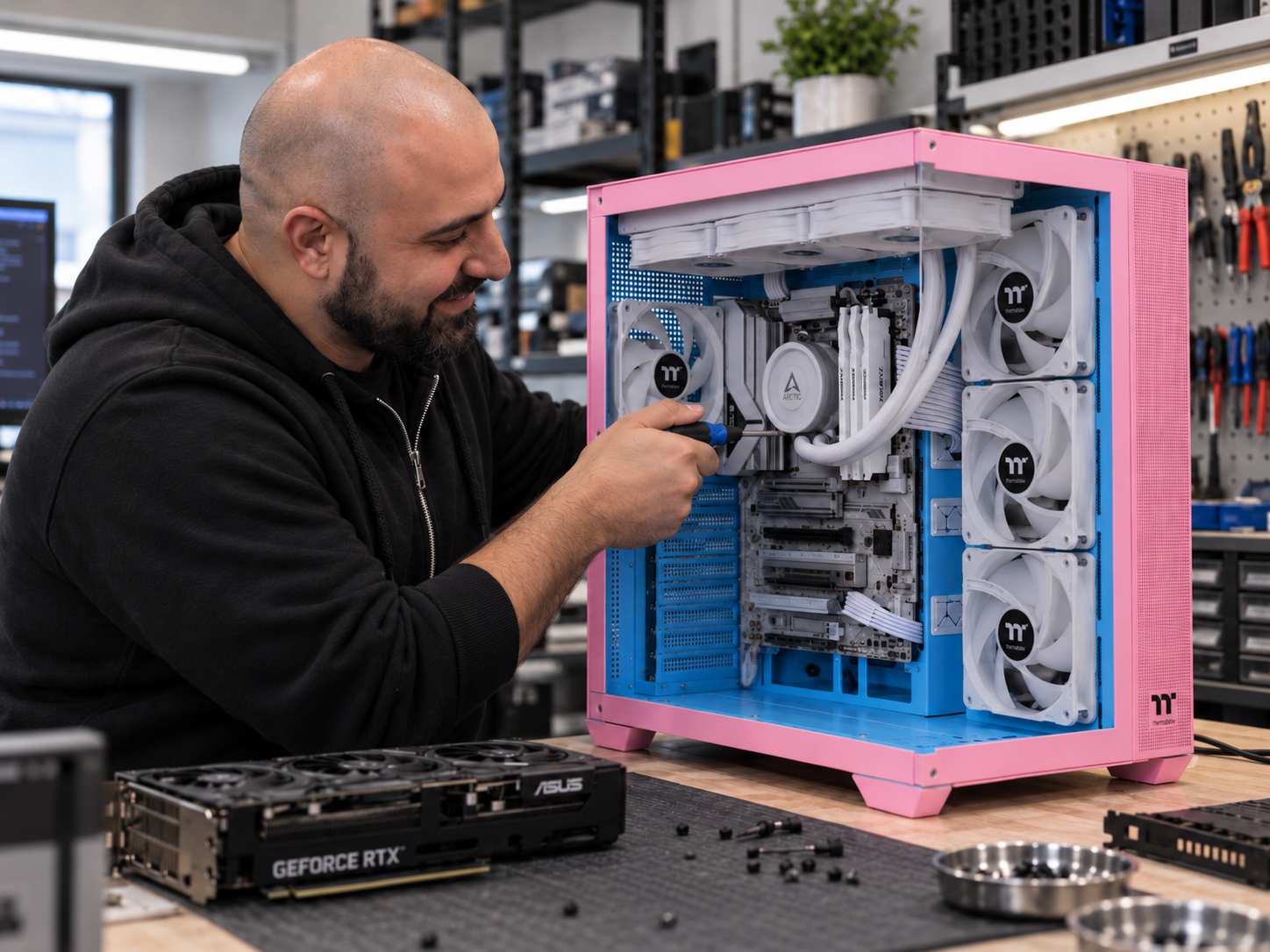
A faster part only helps when the rest of the PC supports it.
We check which component is actually holding back the games and resolution you use.
Wattage, PSU quality, age and required GPU power connectors.
GPU length, thickness, cable space, radiator positions and airflow.
CPU support, PCIe slots, BIOS requirements, RAM generation and expansion options.
CPU temperature, GPU temperature, radiator support, fan layout and case airflow.
1080p, 1440p and 4K gaming can need very different hardware priorities.
Send us your gaming PC specs and the games you play.
Tell us your CPU, GPU, motherboard, RAM, storage, power supply, monitor resolution and the games you want to run better.
For competitive games, tell us your target FPS and monitor refresh rate. For AAA games, tell us the resolution and graphics settings you want. We can then point you toward the upgrade that is most likely to make a real difference.
From current FPS to a balanced upgrade.
1. Tell Us The Games & Resolution
We start with what you play, your monitor resolution, refresh rate and the performance problem you want to solve.
2. We Review The Current Build
CPU, GPU, RAM, storage, PSU, cooling and motherboard support are checked together.
3. We Recommend The Upgrade Path
The goal is to spend money where it improves gaming rather than replacing parts that are still useful.
4. You Approve Parts & Labour
Parts are quoted separately and the correct $150, $200 or $250 labour category is explained first.
5. Hardware Is Installed
Components are installed, cabling checked and supported BIOS or driver configuration completed where required.
6. The Gaming PC Is Tested
Boot behaviour, temperatures, hardware detection and general stability are checked after the upgrade.
Bring your gaming PC to our Kingsgrove workshop.
CAA Computers is located at 4/328 Kingsgrove Road, Kingsgrove NSW 2208 and provides gaming PC upgrade services for customers from Kingsgrove, Bankstown and surrounding Sydney suburbs.
Do not keep upgrading a platform that has run out of road.
A targeted GPU, RAM, SSD, CPU or cooling upgrade can give a capable gaming PC years of useful life.
If the CPU, motherboard, RAM, GPU, PSU and cooling all need replacement, the cost can approach a properly balanced new gaming PC. At that point a new build may be better value.
CAA Computers can compare the proposed gaming upgrade against replacing the system before you commit to a large stack of parts.
Detailed information about gaming PC upgrades in Sydney.
The visible page is designed to help you choose and book an upgrade. These accordions carry the deeper gaming-upgrade information and long-tail search coverage.
Gaming PC Upgrade Sydney – What Should I Upgrade First?
Customers searching for gaming PC upgrade Sydney, gaming computer upgrade, upgrade gaming PC, gaming PC performance upgrade, gaming PC hardware upgrade or gaming PC upgrade service usually want more performance from an existing system without replacing the entire computer.
The first component to upgrade depends on the game, resolution, target frame rate and current hardware. At higher resolutions such as 1440p and 4K, the graphics card often becomes more important. At high refresh rates or in CPU-heavy games, the processor can become the limiting component. RAM capacity, memory configuration, storage speed, temperatures and background software can also affect gaming smoothness.
The correct approach is to identify the bottleneck before buying parts. A high-end graphics card can deliver disappointing results if the processor is too slow, the PSU is unsuitable or the case cannot support the card. A CPU upgrade can require a new motherboard, new memory and better cooling if the existing platform is no longer supported.
Upgrade Gaming PC For 1080p, 1440p And 4K
A gaming computer upgrade should be matched to the monitor. A 1080p competitive player may prioritise high frame rates and CPU performance. A 1440p gaming PC generally places more load on the GPU while still benefiting from a capable processor. A 4K gaming system places substantially more pressure on the graphics card and often requires more VRAM, stronger power delivery and better cooling.
1080p gaming upgrade
For high-refresh 1080p gaming, CPU performance and GPU balance matter. Overspending on the graphics card can produce poor value if the processor cannot feed the target frame rate.
1440p gaming upgrade
1440p is a common target for modern gaming PCs because it offers stronger visual quality without the extreme GPU load of 4K. GPU performance, VRAM, PSU capacity and cooling become more important as graphics settings increase.
4K gaming upgrade
4K gaming often needs a premium GPU and may also require a PSU upgrade, improved case airflow or a stronger CPU depending on the title and target FPS.
Gaming PC GPU, CPU, RAM And SSD Upgrade Priorities
The main gaming PC upgrade categories are GPU, CPU, RAM and storage, but they solve different problems.
- GPU upgrade: improves rendering performance, graphics settings and higher-resolution gaming when the graphics card is the bottleneck.
- CPU upgrade: improves CPU-heavy games, simulation titles, competitive high-FPS gaming and minimum frame rates when processor performance is the limitation.
- RAM upgrade: helps when the system is running out of memory, using a single-channel configuration or multitasking heavily while gaming.
- SSD upgrade: improves game loading and storage responsiveness but does not normally produce the same FPS increase as a GPU or CPU upgrade.
CAA Computers uses dedicated specialist pages for GPU upgrades, CPU and motherboard upgrades, RAM upgrades and SSD upgrades so each component can be assessed properly.
Gaming PC PSU Upgrade, Cooling Upgrade And RGB Upgrade
Performance upgrades often create supporting requirements. A faster graphics card can need a stronger power supply. A faster processor can need a better CPU cooler. More powerful components can increase case temperature and fan noise.
A gaming PC PSU upgrade may be required for higher wattage, newer PCIe power connectors or improved power quality. A gaming PC cooling upgrade can include a stronger air cooler, AIO liquid cooler, additional case fans, better fan placement and fresh thermal compound.
RGB upgrades and ARGB fan upgrades can be combined with cooling work when the customer wants both better airflow and a visual refresh. Compatible 5V ARGB and 12V RGB connections must be checked before installation.
Gaming PC Cleaning And Software Cleanup Before An Upgrade
A heavily dust-affected gaming PC should be cleaned before expensive new hardware is installed. Dust can restrict radiator airflow, block heatsinks, raise CPU and GPU temperatures and increase fan noise.
CAA Computers offers a basic internal PC clean for $79, CPU cooler service and thermal paste replacement for $110, and a deep clean and strip-down service for $199 where more extensive cleaning is required.
Software can also affect gaming performance. Unnecessary startup programs, Windows problems, old drivers or background applications can make a capable system feel worse than the hardware suggests. System tune-up and software cleanup is available for $100, while a fresh Windows or Linux installation is $159 when a full OS reinstall is the better path.
Gaming PC Upgrade Near Me – Kingsgrove Sydney Workshop
Searches such as gaming PC upgrade near me, gaming computer upgrades Sydney, PC gaming upgrade service and upgrade gaming PC near me usually come from gamers who want somewhere local they can bring the complete tower.
CAA Computers operates from 4/328 Kingsgrove Road, Kingsgrove NSW 2208 and provides gaming PC upgrades for customers from Kingsgrove, Bankstown, Beverly Hills, Bexley, Hurstville, Penshurst, Campsie, Revesby, Padstow and surrounding Sydney suburbs.
Is It Worth Upgrading My Gaming PC Or Buying A New One?
A gaming PC is usually worth upgrading when one or two components are limiting an otherwise solid platform. A stronger GPU, more RAM, an SSD or a compatible CPU upgrade can deliver a meaningful improvement without replacing the entire system.
A new gaming PC becomes more attractive when almost every major part needs replacing. If the CPU platform is obsolete, the motherboard needs replacing, the RAM generation changes, the PSU is unsuitable, the GPU is outdated and the case or cooling also needs work, the combined upgrade cost may no longer make sense.
CAA Computers can compare the upgrade path against a new custom PC before the customer commits to a major rebuild.
Gaming PC Upgrade FAQ
How much does a gaming PC upgrade cost?
CAA Computers charges $150 for one known component installation and testing, $200 for a multi-part gaming PC upgrade and $250 for a full gaming PC rebuild or major platform job. Parts are additional.
Can I bring my own gaming PC parts?
Yes. Customer-supplied compatible components can be installed. Compatibility should ideally be checked before installation.
Can you upgrade NVIDIA and AMD gaming PCs?
Yes. CAA Computers works with suitable NVIDIA GeForce and AMD Radeon graphics-card configurations in compatible gaming desktops.
Can you upgrade an older gaming PC?
Often, yes. Whether it is worthwhile depends on the existing CPU platform, motherboard support, PSU, case, cooling and the performance target.
Can you upgrade my gaming PC for 4K?
Yes. A 4K upgrade should consider the GPU first, but the CPU, PSU, cooling, case clearance, RAM and monitor refresh rate also need to be checked.
Tell us the games, resolution and FPS you want to hit.
Send us your current gaming PC specifications. We can help work out whether the money is better spent on the GPU, CPU, RAM, storage, PSU, cooling or a larger platform upgrade.