

What Is Included With a Professionally Built Custom PC?
A professionally built custom PC should include more than hardware assembly. The service should cover component planning, full installation, cable management, BIOS setup, Windows and driver configuration, stress testing, temperature checks and support for the finished computer.
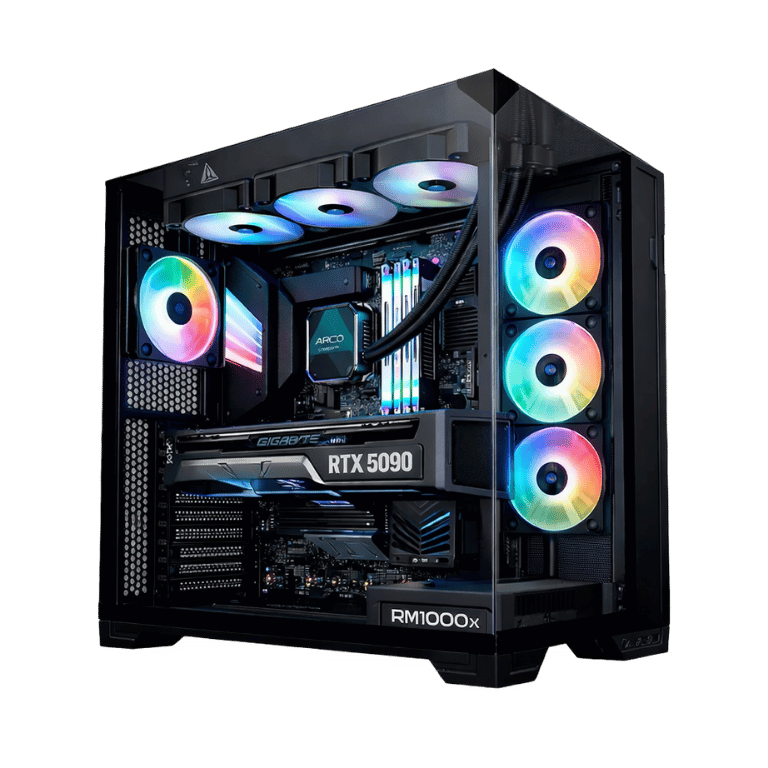
What should be included with a professionally built custom PC?
A professional custom PC build should include hardware selection, compatibility planning, complete assembly, clean cable management, BIOS configuration, Windows setup when included, driver installation, fan and cooling setup, stress testing, temperature checks and support for the completed system.
The exact inclusions depend on the builder and quote, so customers should confirm whether Windows licensing, delivery, peripherals, data transfer and additional software are included.
What should happen before your custom PC is delivered?
These are the main services customers should expect when buying a professionally built gaming PC, office computer or workstation.
Needs and budget planning
The builder should understand your games, software, resolution, workload and total budget.
Component selection
The CPU, GPU, motherboard, RAM, storage, power supply and cooling should suit the same goal.

Full PC assembly
Every component should be installed correctly inside the selected case.

Cable management
Power, fan and data cables should be routed cleanly for airflow, appearance and servicing.

BIOS configuration
The motherboard BIOS should be checked, updated when required and configured appropriately.

Windows installation
Windows setup should be completed when an operating system licence is included in the quote.

Driver installation
Graphics, chipset, network, audio and other required drivers should be installed.

Cooling and fan setup
Fans, pumps and cooling profiles should be checked for correct operation.

Stress testing
The processor, graphics card, memory and complete system should be tested under load.

Temperature checks
CPU and GPU temperatures should be monitored to confirm the cooling works correctly.

Connection testing
USB, audio, Wi-Fi, Bluetooth, Ethernet and display outputs should be checked.
Complete-system support
The customer should know who to contact if the finished computer develops a problem.
Professional custom PCs for gaming, office work and production
A professionally built system should be configured around the actual workload rather than using the same specification for every customer.
Custom gaming PC
Gaming builds should be planned around resolution, frame rate, graphics settings, cooling and the games being played.
Custom office PC
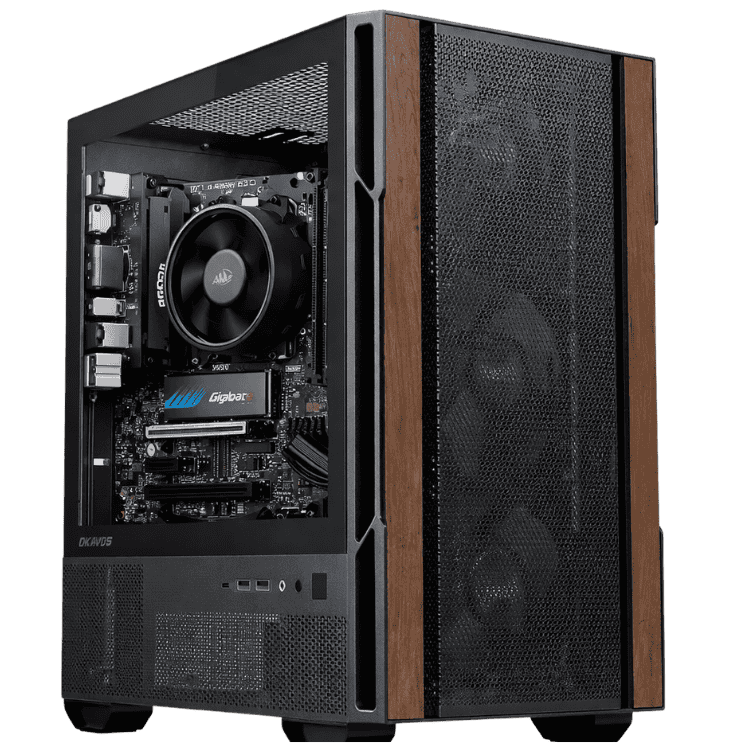
Office computers should prioritise reliability, responsiveness, quiet operation and practical long-term value.
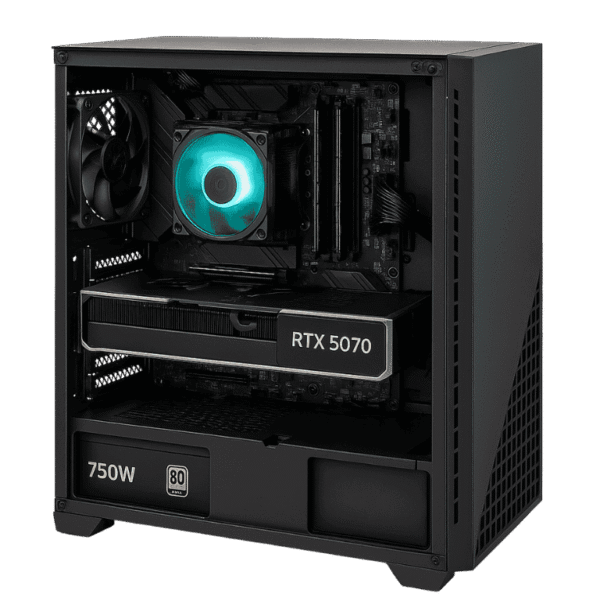
Professional workstation
Workstations may require more CPU cores, memory, storage and software-specific GPU performance.
Component recommendations based on your needs
A professional custom PC builder should begin by asking what the computer will be used for. The correct hardware for gaming may be very different from the correct hardware for video editing, CAD, bookkeeping, architecture or general office work.
CAA Computers builds systems around the customer’s budget, applications, target gaming resolution, appearance preferences and future upgrade plans. Customers can begin with the Custom PC Builder Australia page.
Professional assembly and cable management
Assembly should include installing the processor, cooler, motherboard, RAM, graphics card, storage, power supply, case fans and any additional accessories.
Clean cable management is part of a professional build. It improves appearance, keeps cables away from fans, helps airflow and makes future upgrades or repairs easier.
BIOS setup and firmware updates
The BIOS controls important motherboard and hardware settings. A professional builder should check the installed version, apply an update when necessary and confirm the system detects the processor, memory and storage correctly.
Windows and driver installation
When Windows is included in the quote, the builder should install and activate the operating system. Graphics, chipset, network, audio and device drivers should also be installed so the computer is ready to use.
Customers should confirm whether the Windows licence is included or charged separately. Extra applications, Microsoft Office and specialist software are not automatically included unless stated.
Cooling configuration and temperature testing
A professionally built gaming PC or workstation should have its fans and cooling system checked. This includes confirming that case fans, CPU fans and liquid-cooling pumps are operating correctly.
CPU and graphics card temperatures should be monitored under load. This helps identify poor cooler contact, incorrect fan direction or other problems before the computer reaches the customer.
Stress testing a professionally built custom PC
Stress testing is one of the most valuable differences between a complete professional build and simply receiving a box of components. Testing can help identify instability, overheating, faulty memory, storage errors or a problem with the graphics card.
- Processor stability testing
- Graphics card load testing
- Memory checks
- Storage health checks
- CPU and GPU temperature monitoring
- Fan and pump operation
- General system responsiveness
What is not always included with a custom PC?
Some items are commonly quoted separately. Customers should ask about these before approving the build.
- Monitor
- Keyboard and mouse
- Headset or speakers
- Windows licence
- Microsoft Office
- Paid professional software
- Data transfer from an old computer
- Home installation
- Delivery outside the quoted area
What warranty support should be included?
A professional custom PC builder should clearly explain the support available for the complete computer. Individual components also carry manufacturer or supplier warranties, but customers should know who handles diagnosis and communication if the finished system develops a fault.
What is included with a professionally built gaming PC?
A professionally built gaming PC should include a component list balanced around the customer’s games, resolution and target frame rate. It should also include assembly, cooling setup, graphics drivers, stress testing and gaming-performance checks.
Browse CAA Computers’ Gaming PC Australia, budget gaming PC range, mid-tier gaming PCs and high-end gaming PCs.
What is included with a professionally built work computer?
A professional work computer should be configured around the software and workload. The builder should consider memory use, storage capacity, processor performance, graphics requirements, reliability and upgrade potential.
View CAA Computers’ Work Computers Australia page for office computers and professional workstations.
Why choose CAA Computers for a professionally built custom PC?
CAA Computers builds gaming PCs, office computers and professional workstations for customers in Sydney and across Australia. Each system can be planned around the customer’s budget, intended use, preferred appearance and performance requirements.
Start with the Custom PC Builder Australia page or contact CAA Computers for a personalised recommendation.
Professionally built custom PC FAQs
What is included with a professionally built custom PC?
Does a custom PC include Windows?
Should a professionally built PC be stress-tested?
Are monitor, keyboard and mouse included?
Does a professional custom PC include cable management?
Does CAA Computers build custom PCs across Australia?
Get a professionally built custom PC
Tell CAA Computers what you want the computer to do, your preferred appearance and how much you want to spend. We can recommend, assemble, configure and test a custom PC around your requirements.